
How to Edit Farm Details in Shrimpl
Step 1: Click the Farms tab on the left side of the homepage
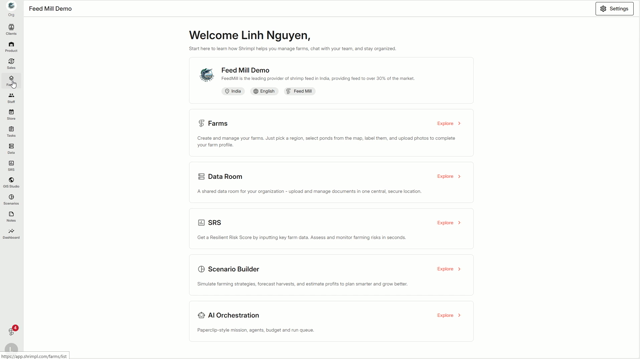
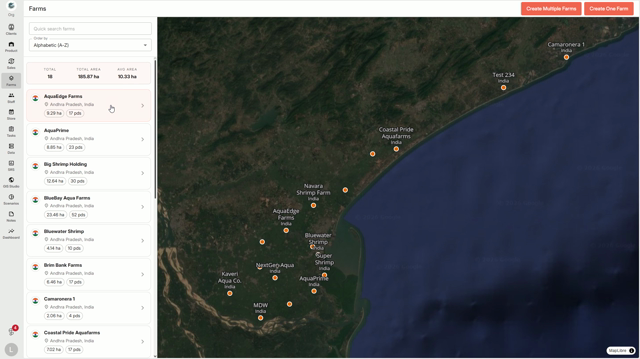
Step 2: Find and select the farm you want to update
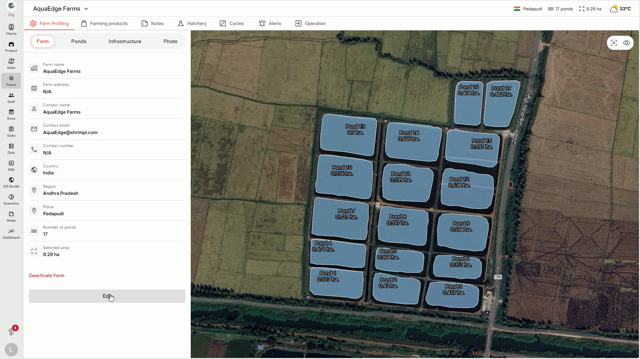
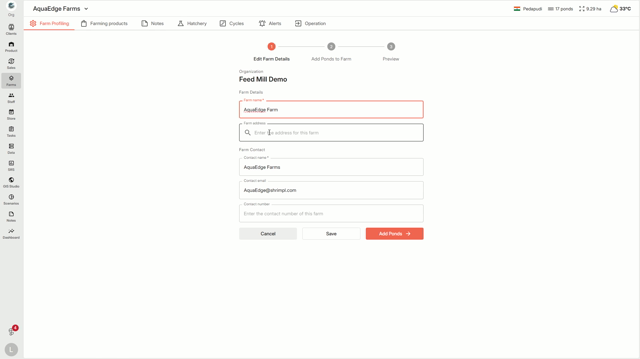
Step 3: On the farm details page, click Edit Farm
Step 4: Update the fields you need — like the name, location, description, or other settings
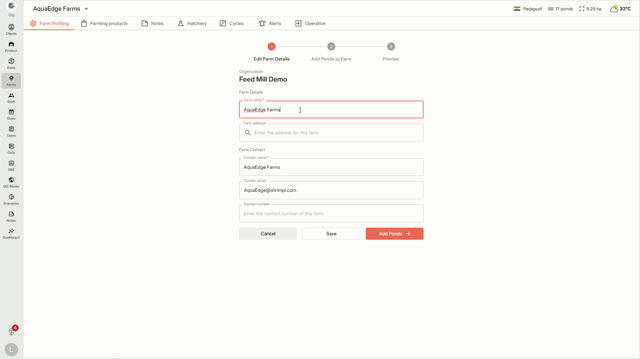
Step 5: When you’re finished, click Save changes
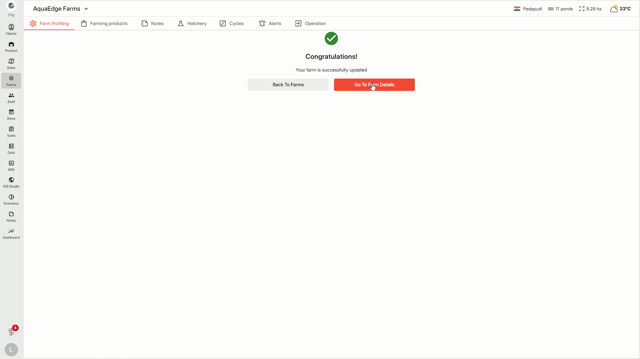
Step 6: Your changes are now visible to everyone with access to the farm
Editing keeps your information accurate and easy for your team to access. Update your farm whenever details change!