
Start Your Organization on the Platform
Easily set up a new organization and get started with your team in just a few steps. Follow this guide to create an organization, name it, and jump right into your new workspace.
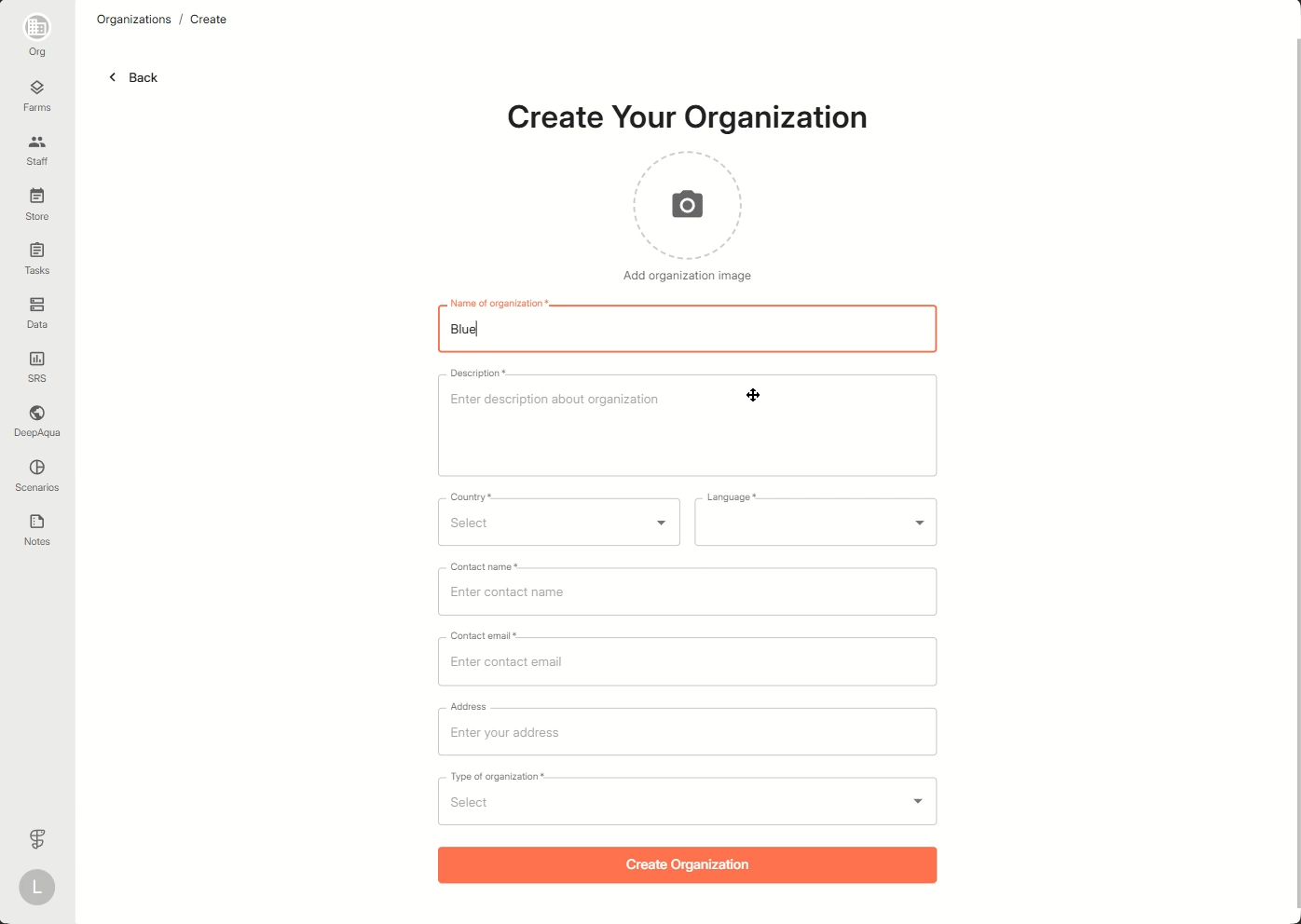
Step 1: Open the Create Your Organization form.
Step 2: Enter your organization’s name in the name field and other details of your organization.
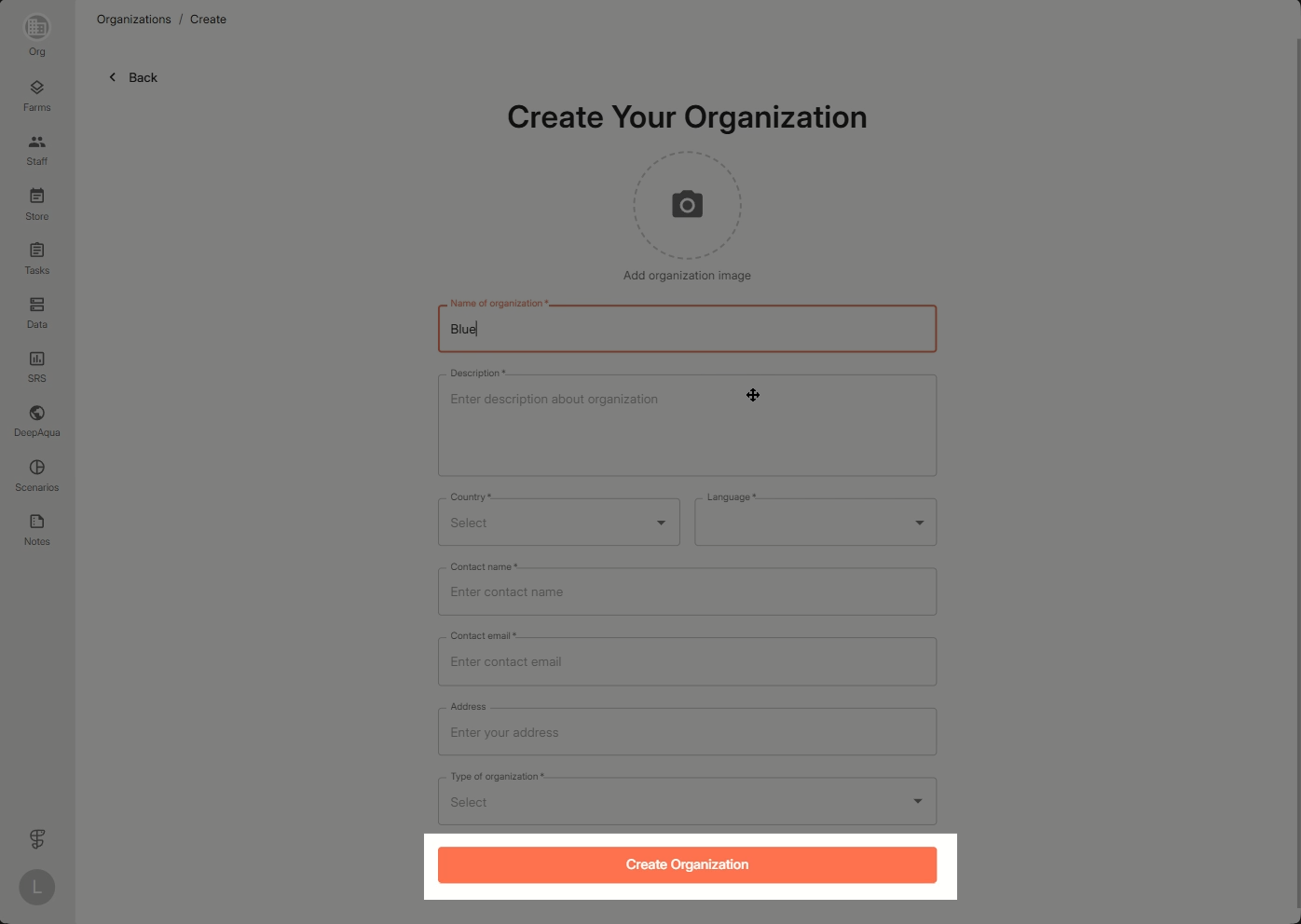
Step 3: Click Create Organization to complete the creation process.
You’ll be instantly taken to your new organization’s dashboard, confirming the workspace is ready.
It’s that simple—you’re all set to begin collaborating with your team.