
Shrimpl Help Shrimpl Help

  • Home
  • Shrimpl App
Home / ✍️ Account Settings / How to Log in with Phone Number

How to Log in with Phone Number

Less than a minute 1

How to Log In to Shrimpl with Your Phone Number

Step 1: Go to the Login Page

Open Shrimpl and navigate to the login screen. Select the Phone Number option.



Step 2: Enter Your Phone Number

Type your phone number into the provided field.



Step 3: Enter Your Password

Input your password associated with your phone number. Then select Log In to continue.



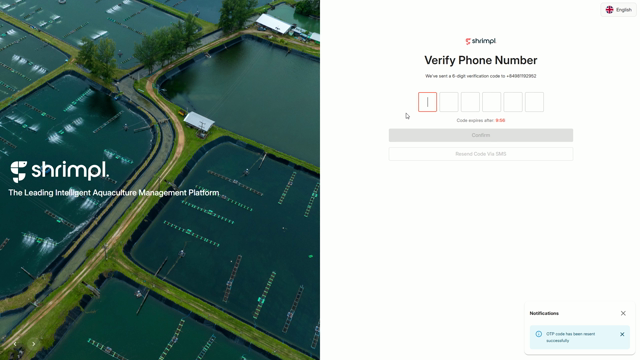
Step 4: Enter the Verification Code

A verification code will be sent to your phone. Enter the code on the confirmation screen.


Step 5: Arrive at the Homepage

After entering the code and a brief loading screen, you’ll see the homepage. The spotlight highlights key navigation options that help you get started with Shrimpl.
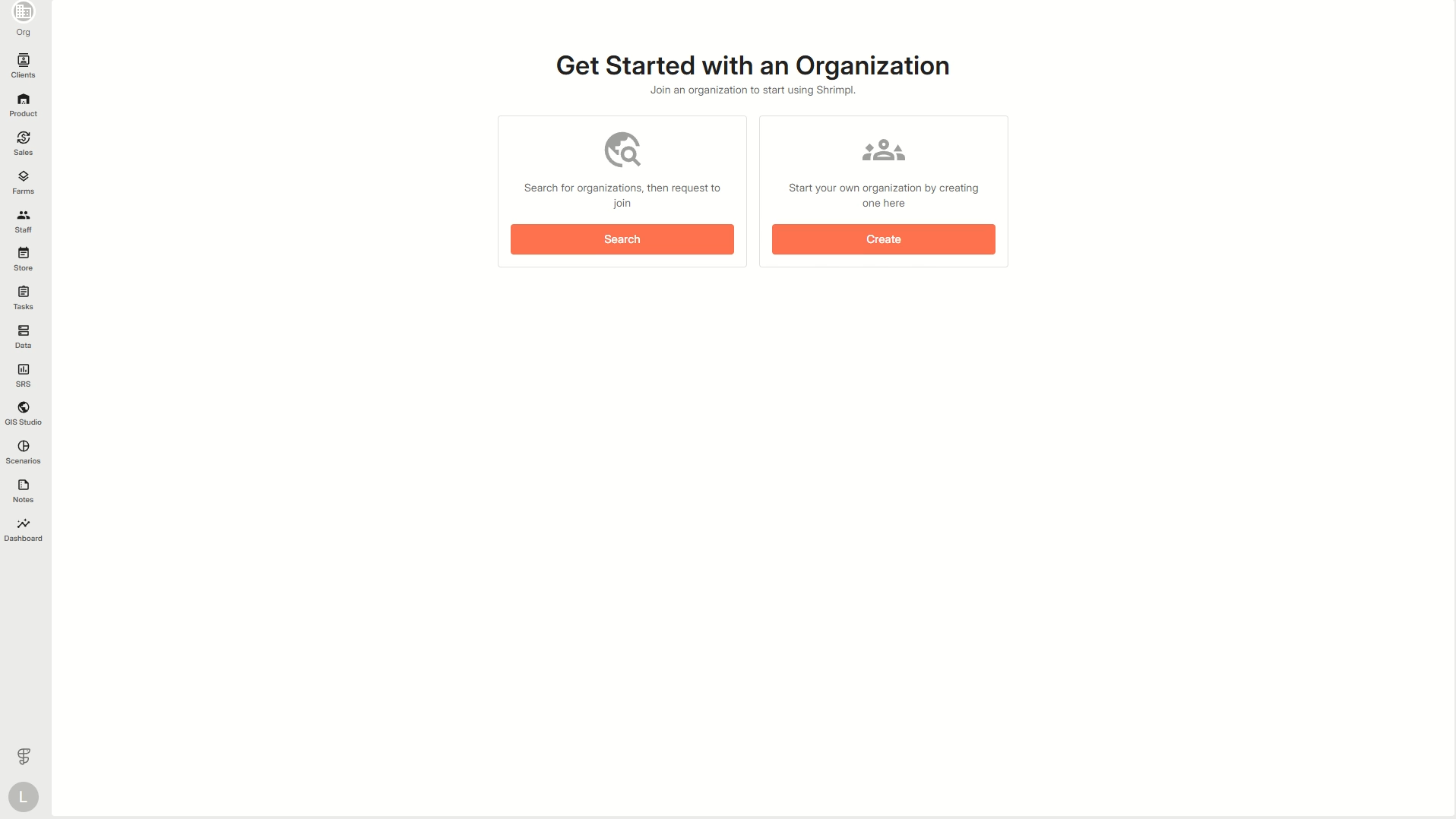


Logging in with your phone number is quick and secure. The spotlight on your homepage introduces you to the most important features so you can start using Shrimpl right away.

✍️ Account Settings

Related Articles

  • How to Discover & Join an Organization
  • How to Create a New Organization
  • How to Invite Members to an Organization
  • How to Update Profile Settings

Categories

  • 11✍️ Account Settings
  • 1✨ Getting Started
  • 2💼 Client Management
  • 2📁 Farm Data
  • 2📝 Task Management
  • 2🛡️Shrimpl Resiliency Score (SRS)
  • 6🦐 Farm Management

Most Viewed

  • Use this website 109
  • How to Log in with Email account 37
  • How to Sign up with Phone number 37
  • What should I do when I forgot my password? 28
  • How do I change my password? 28

Most Liked

  • Use this website 3
  • How to Log in with Phone Number 1
  • How to Discover & Join an Organization 1

Social

Article Categories

✍️ Account Settings ✨ Getting Started 💼 Client Management 📁 Farm Data 📝 Task Management 🛡️Shrimpl Resiliency Score (SRS) 🦐 Farm Management
Shrimpl Pte Ltd, All rights reserved