
Edit Pond Details in Shrimpl
Keep your farm’s records up to date by editing pond details right in Shrimpl. Whether you’re correcting a pond name or updating its size, here’s how it’s done.
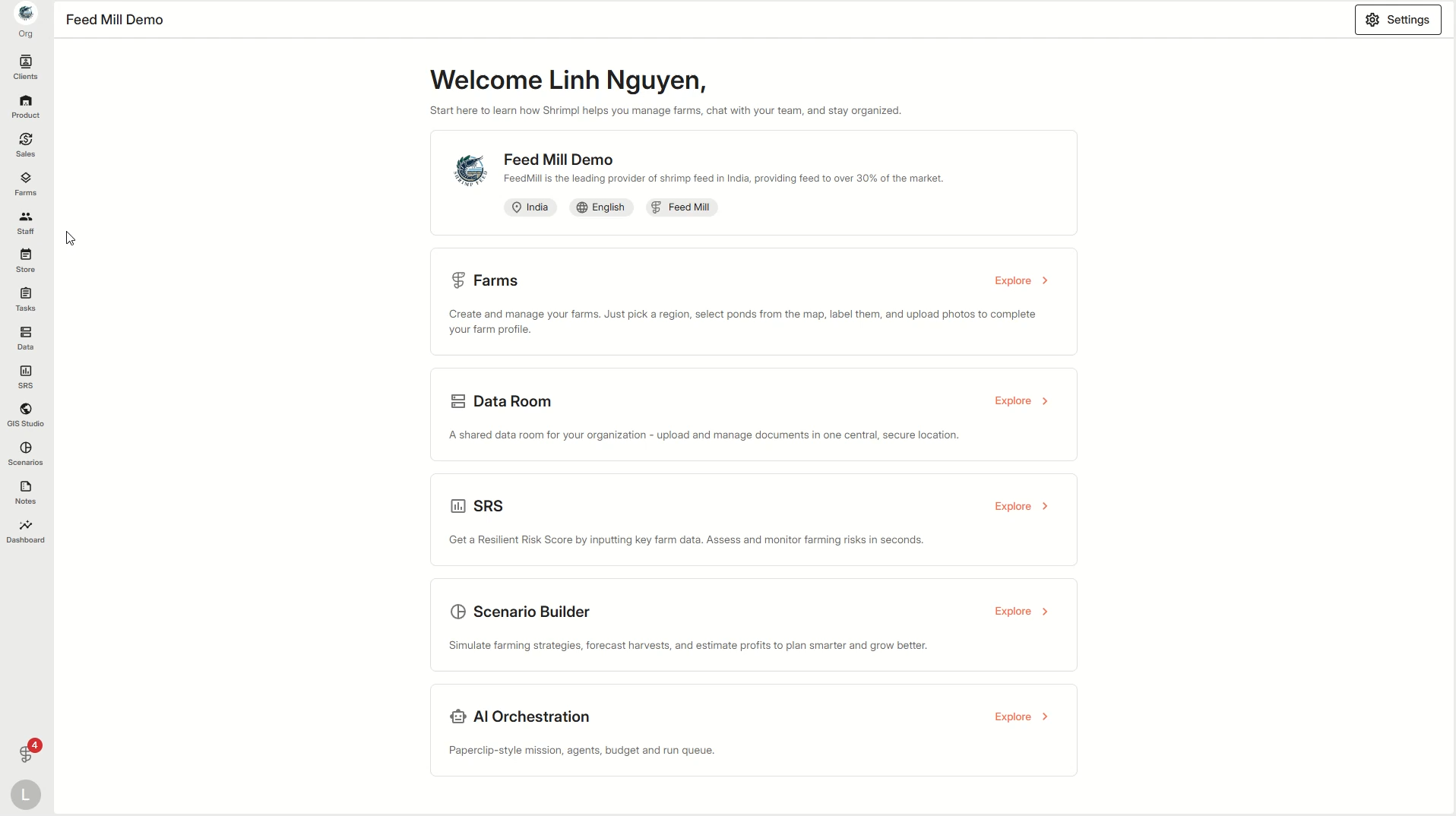
Step 1: From the left menu, click Farms to see your list of farms.
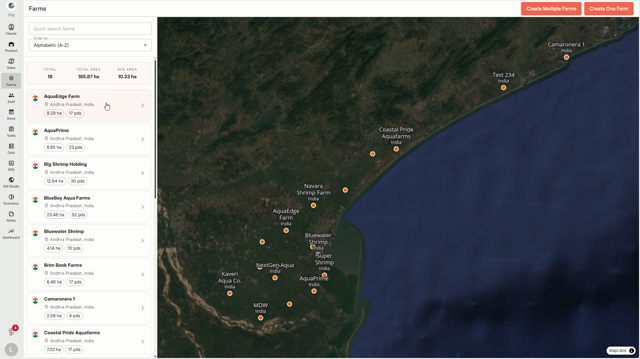
Step 2: Choose the specific farm where the pond lives.
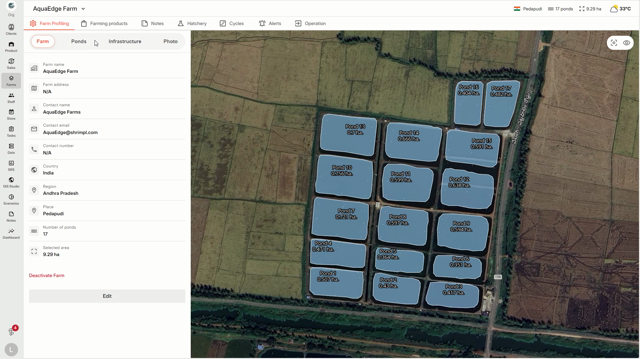
Step 3: Click the Ponds section in your farm menu, then press Edit at the top of the pond list.
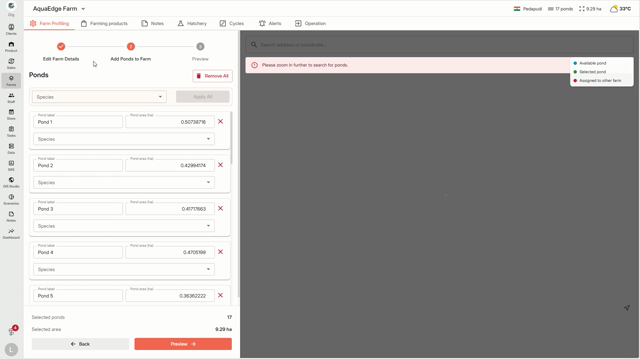
Step 4: Update the information you need—like pond name, area, or any other details shown.
Step 5: After finishing your changes, click Update Farm to save everything.
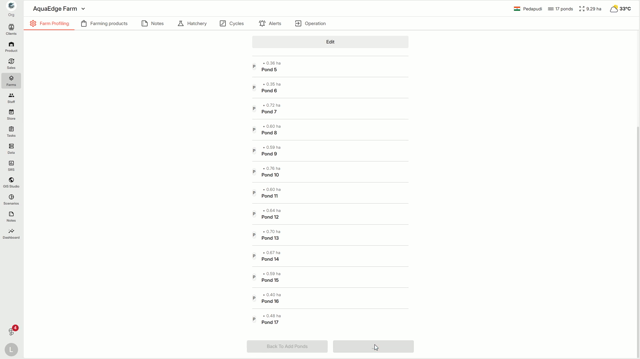
Step 6: Your pond details are instantly updated across Shrimpl.
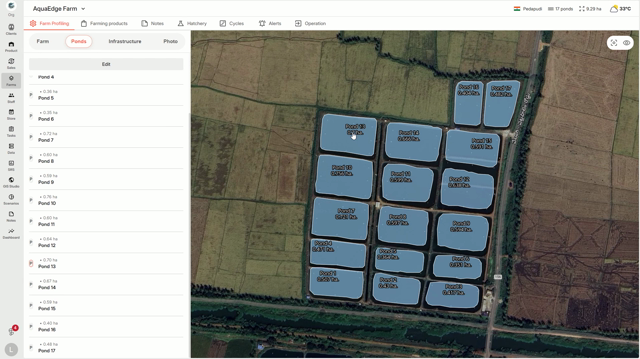
Editing your pond information is quick and keeps your farm data accurate for everyone on your team.