
Switch Languages from Your Home Page
Easily change your application’s language in just a few clicks. Follow these steps to switch languages seamlessly — the interface updates instantly, but your navigation and layout stay the same.
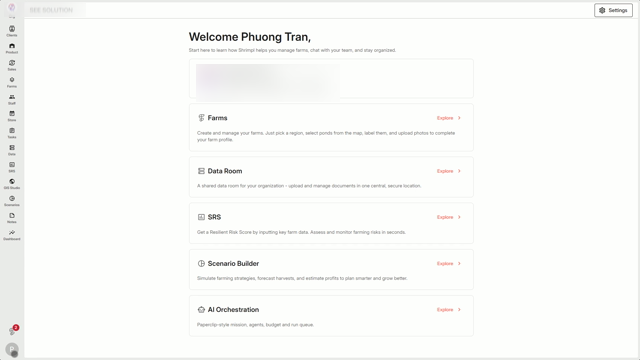
Step 1: Start on the home page. Click your user profile.
Step 2: In your profile menu, choose the Language option.
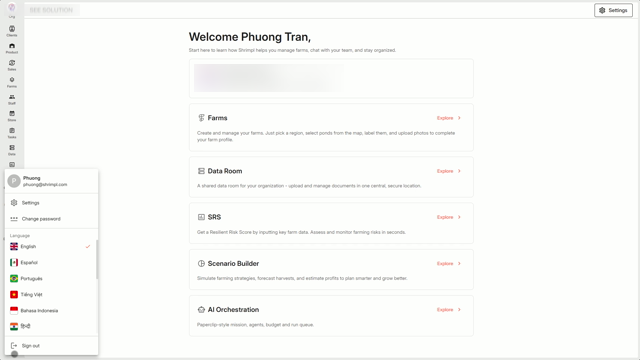
Step 3: Pick your preferred language from the available options.
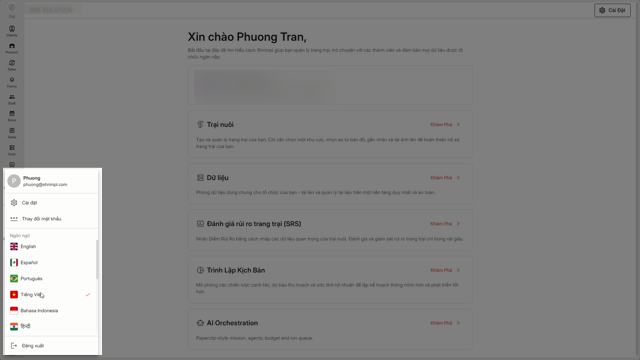
Step 4: After you select a new language, the interface refreshes with the translated text while everything else stays right where it was.
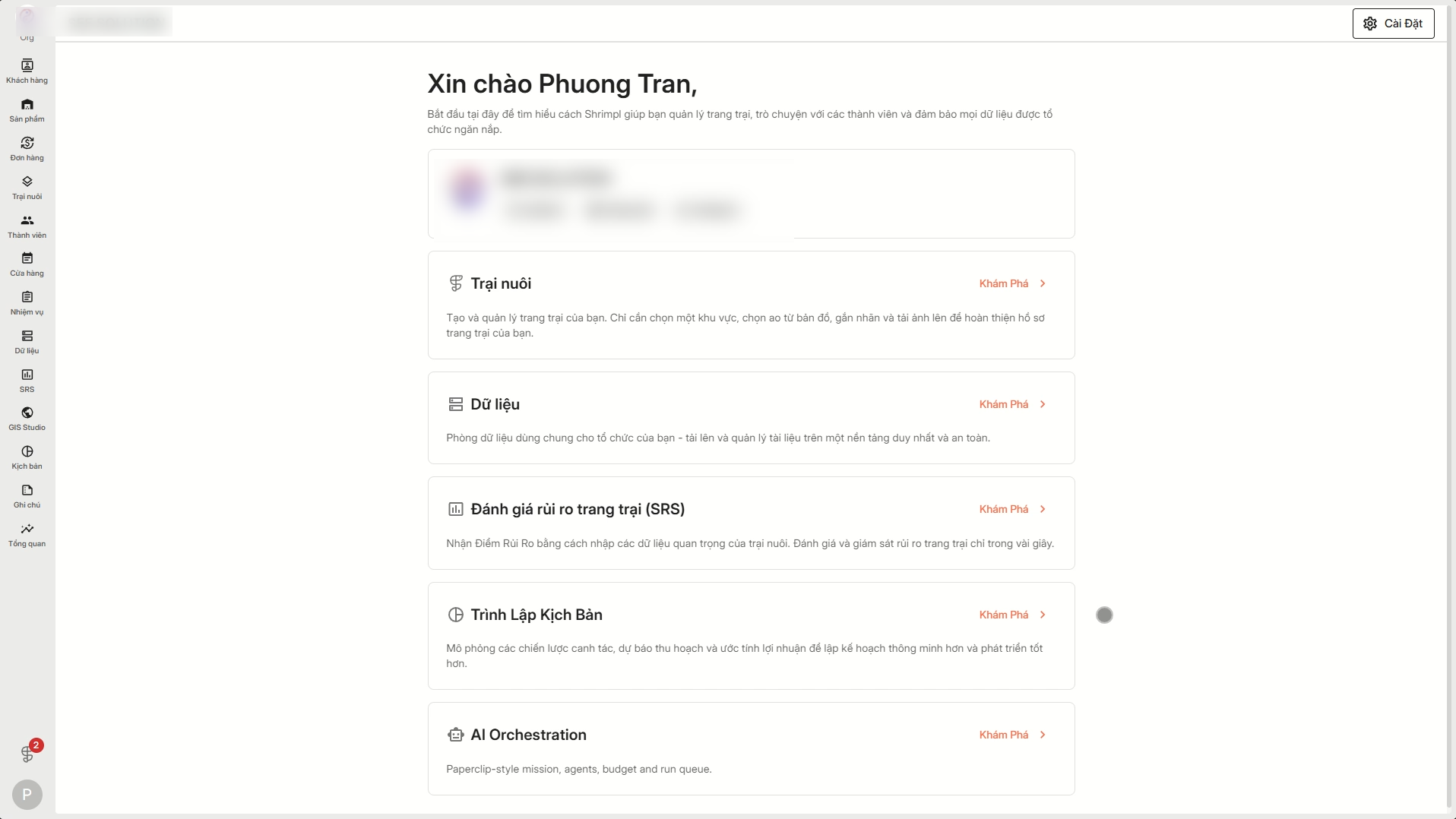
Switching languages is quick and simple—so you can work in whatever language feels best.