
Shrimpl Help Shrimpl Help

  • Home
  • Shrimpl App
Home / 🦐 Farm Management / How to edit ponds within a farm

How to edit ponds within a farm

Less than a minute 0

Edit Pond Details in Shrimpl

Keep your farm’s records up to date by editing pond details right in Shrimpl. Whether you’re correcting a pond name or updating its size, here’s how it’s done.

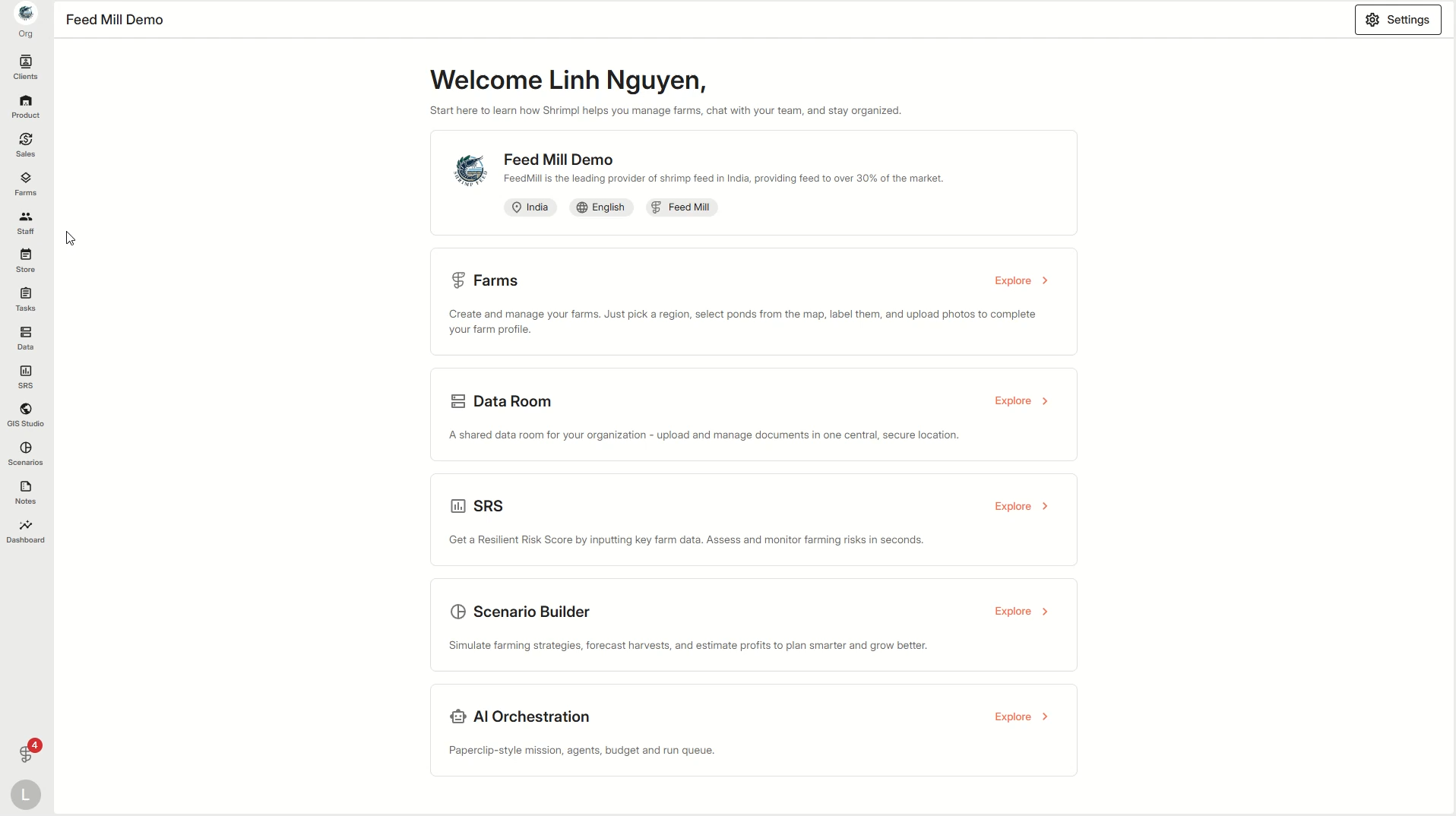
Step 1: From the left menu, click Farms to see your list of farms.


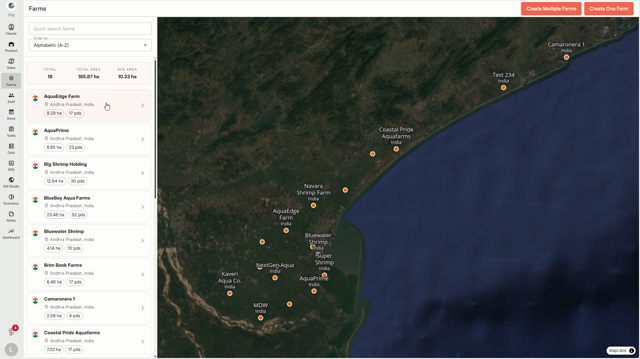
Step 2: Choose the specific farm where the pond lives.


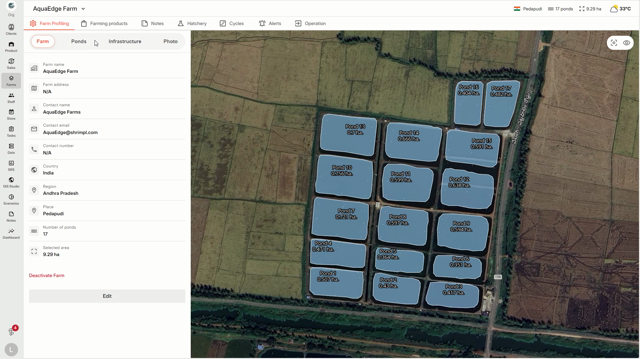
Step 3: Click the Ponds section in your farm menu, then press Edit at the top of the pond list.


Step 4: Update the information you need—like pond name, area, or any other details shown.
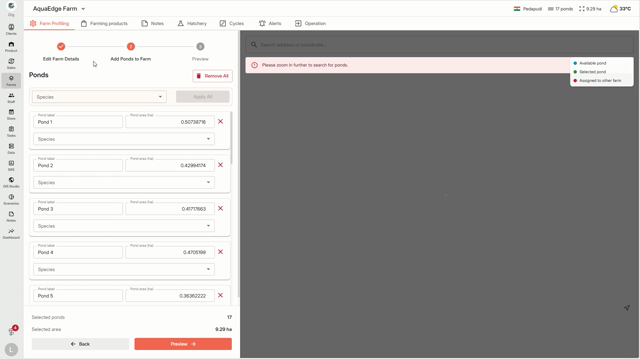


Step 5: After finishing your changes, click Update Farm to save everything.
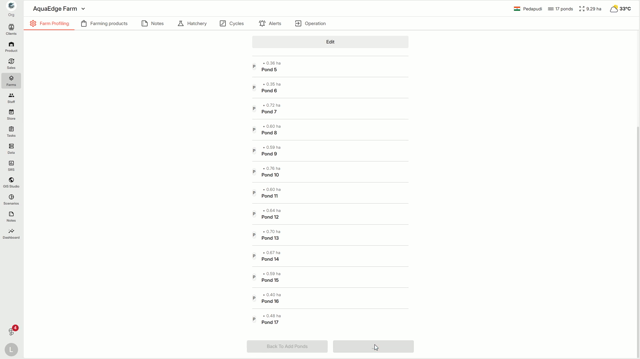


Step 6: Your pond details are instantly updated across Shrimpl.
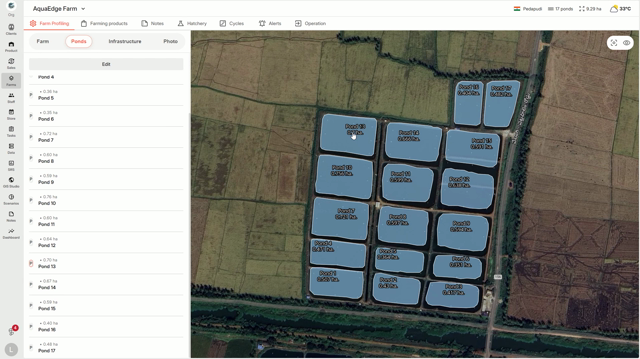


Editing your pond information is quick and keeps your farm data accurate for everyone on your team.

🦐 Farm Management

Related Articles

  • How to deactivate a farm
  • How to Manage the Access to your Farm
  • How to create a farming plan
  • How to edit farm details

Categories

  • 11✍️ Account Settings
  • 1✨ Getting Started
  • 2💼 Client Management
  • 2📁 Farm Data
  • 2📝 Task Management
  • 2🛡️Shrimpl Resiliency Score (SRS)
  • 6🦐 Farm Management

Most Viewed

  • Use this website 110
  • How to Sign up with Phone number 37
  • How to Log in with Email account 37
  • What should I do when I forgot my password? 28
  • How do I change my password? 28

Most Liked

  • Use this website 3
  • How to Log in with Phone Number 1
  • How to Discover & Join an Organization 1

Social

Article Categories

✍️ Account Settings ✨ Getting Started 💼 Client Management 📁 Farm Data 📝 Task Management 🛡️Shrimpl Resiliency Score (SRS) 🦐 Farm Management
Shrimpl Pte Ltd, All rights reserved