
How to Sign Up with an Email Account
Step 1: Open Shrimpl and select Sign Up on the login page

Step 2: Make sure the Email option is selected on the Sign Up screen
Step 3: Enter your name, email address, and password. Confirm your password, then continue.
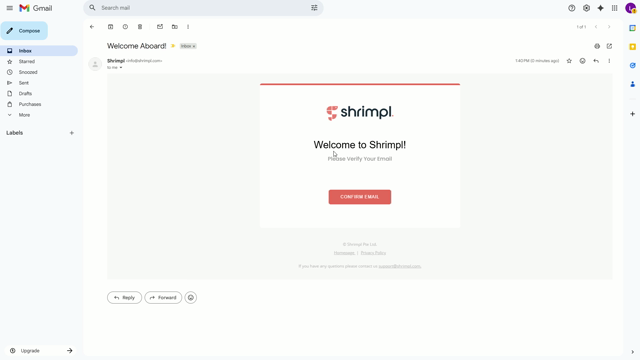
Step 4: Check your inbox for the verification email and open it
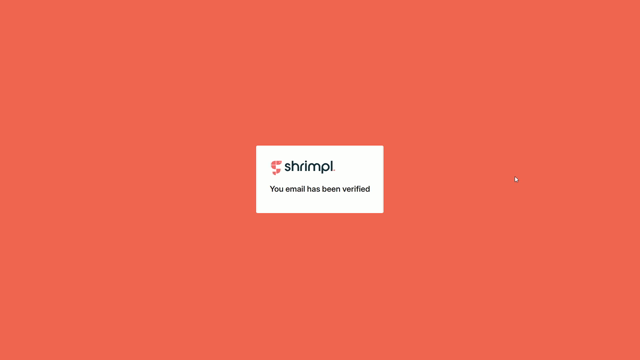
Step 5: Follow the instructions in the email to verify your account.
Step 6: Return to Shrimpl and sign in using your new credentials.
You’re all set—your Shrimpl account’s ready to use. Enjoy exploring the platform!