
How to Invite New Team Members to Your Organization
Inviting new members to your organization helps you expand your team and collaborate more efficiently. Follow these simple steps to send invitations and manage your staff.
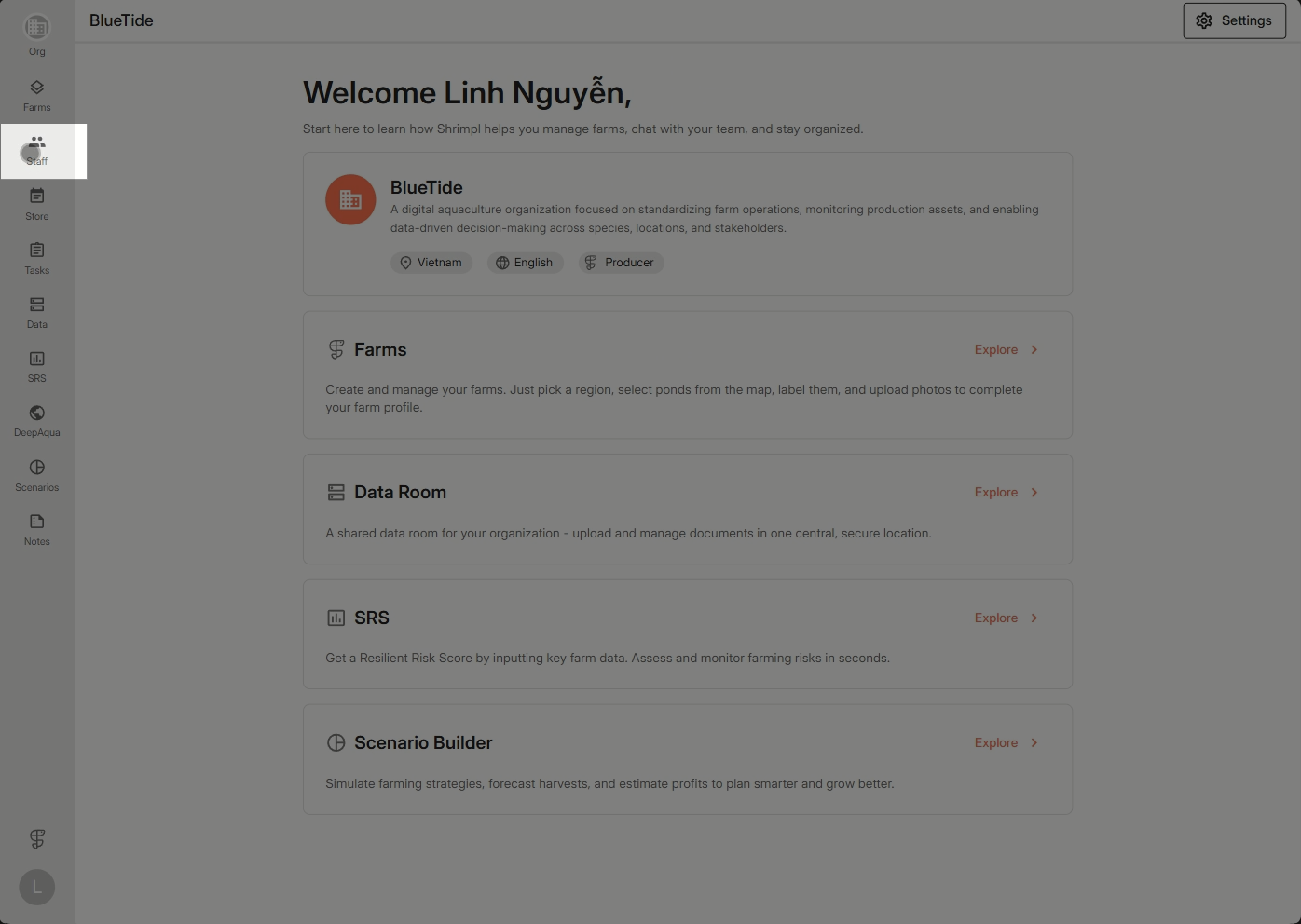
Step 1: Click the Staff tab on the menu bar.
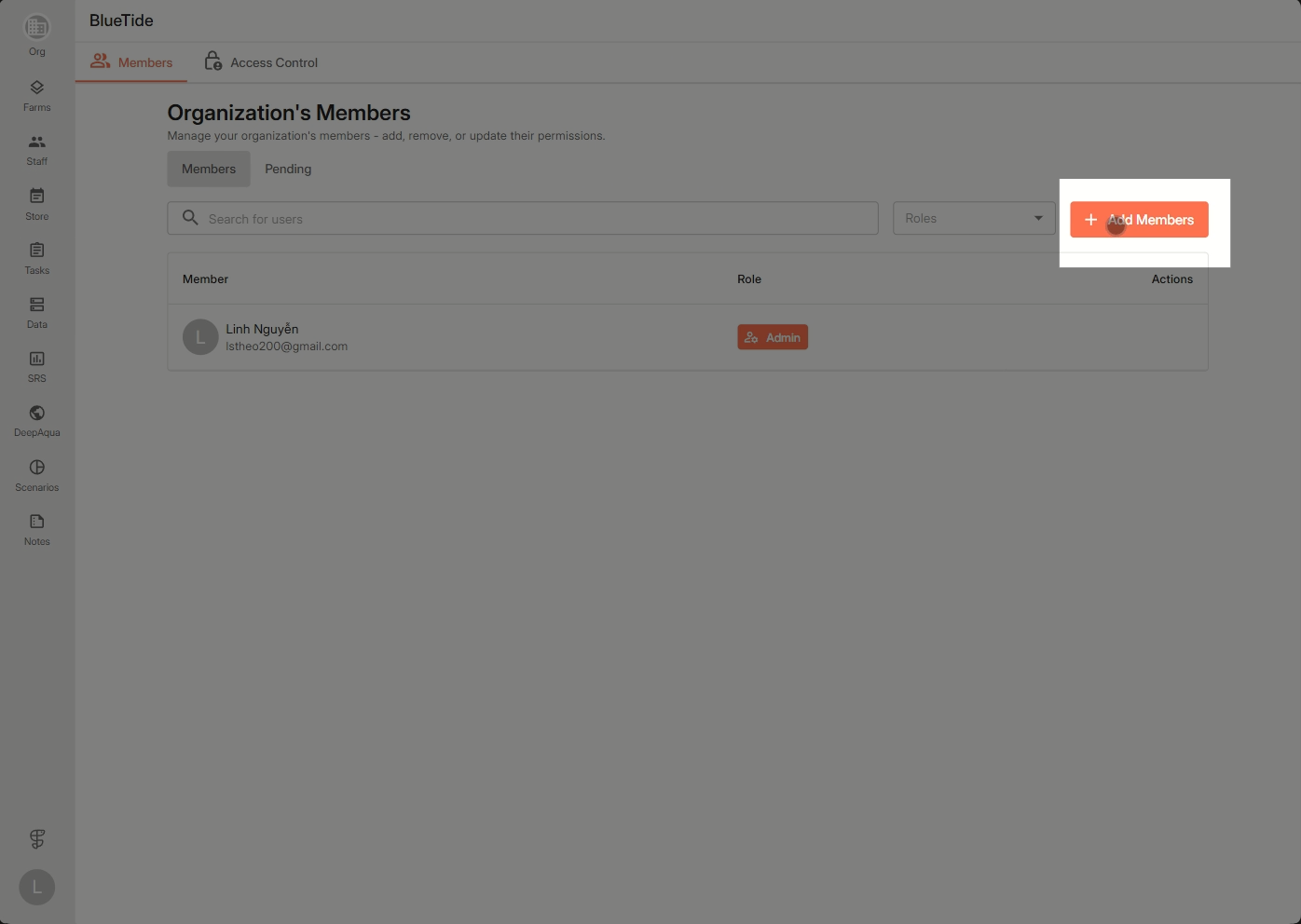
Step 2: Click Add member to begin adding a new teammate.
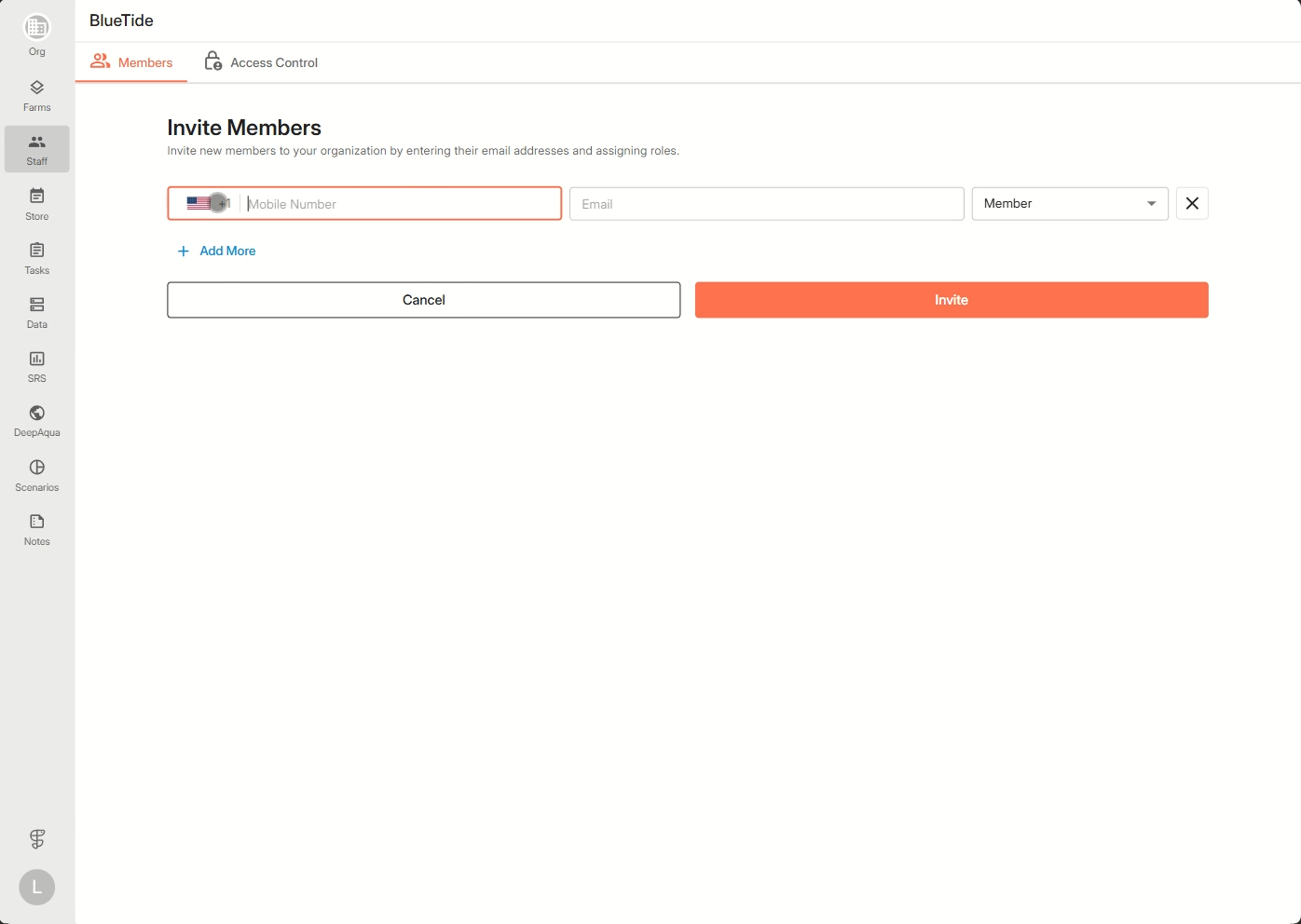
Step 3: Enter their phone number or email and select the appropriate role.
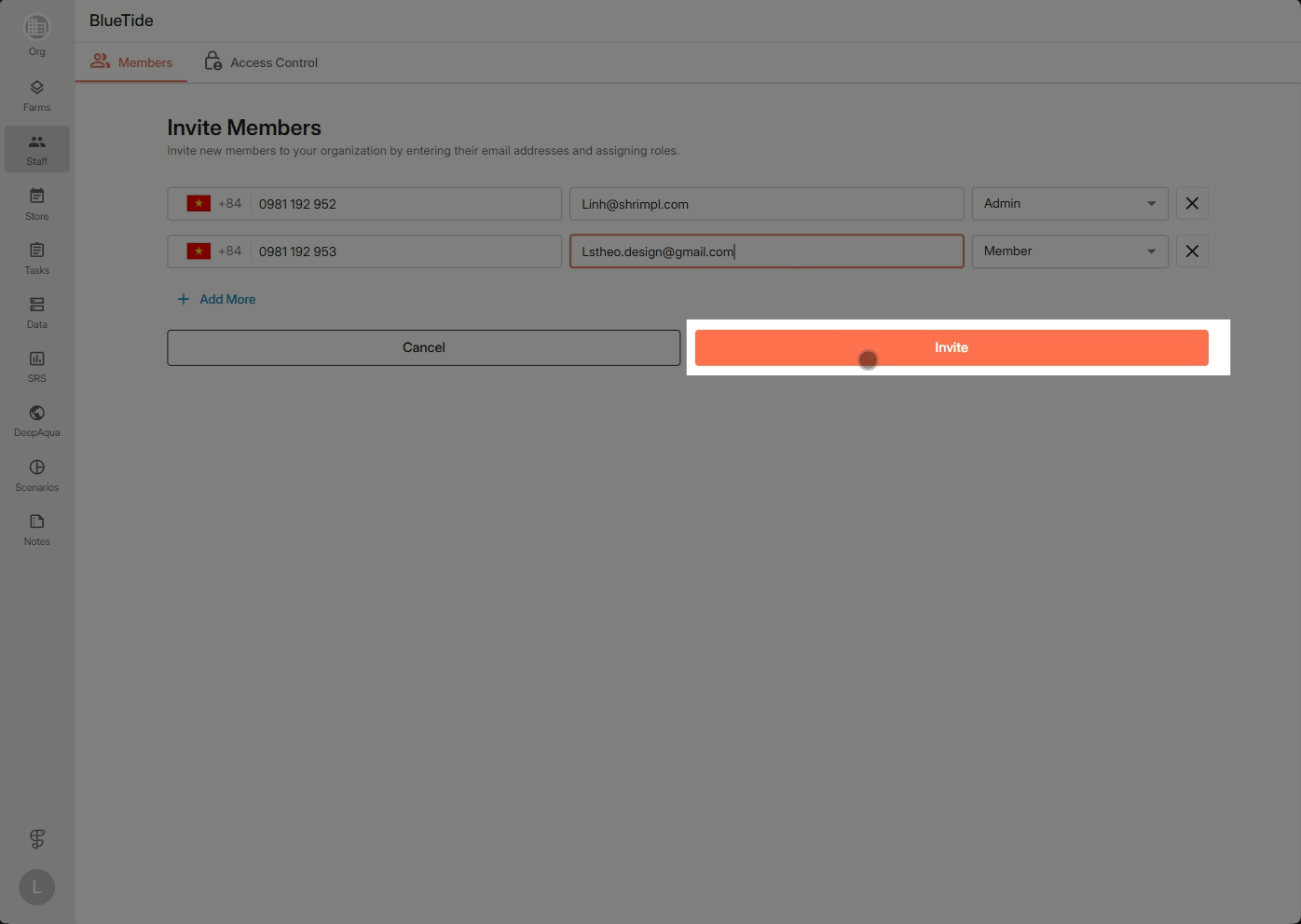
Step 4: Continue adding any additional members as needed, then send the invitations.
Invited members will appear in the pending list until they accept. Once accepted, they’ll show up in the official member list and become part of your organization.