
How to Login with email account
Get started with Shrimpl by logging in using your email account. Follow these steps to access your dashboard quickly and securely.
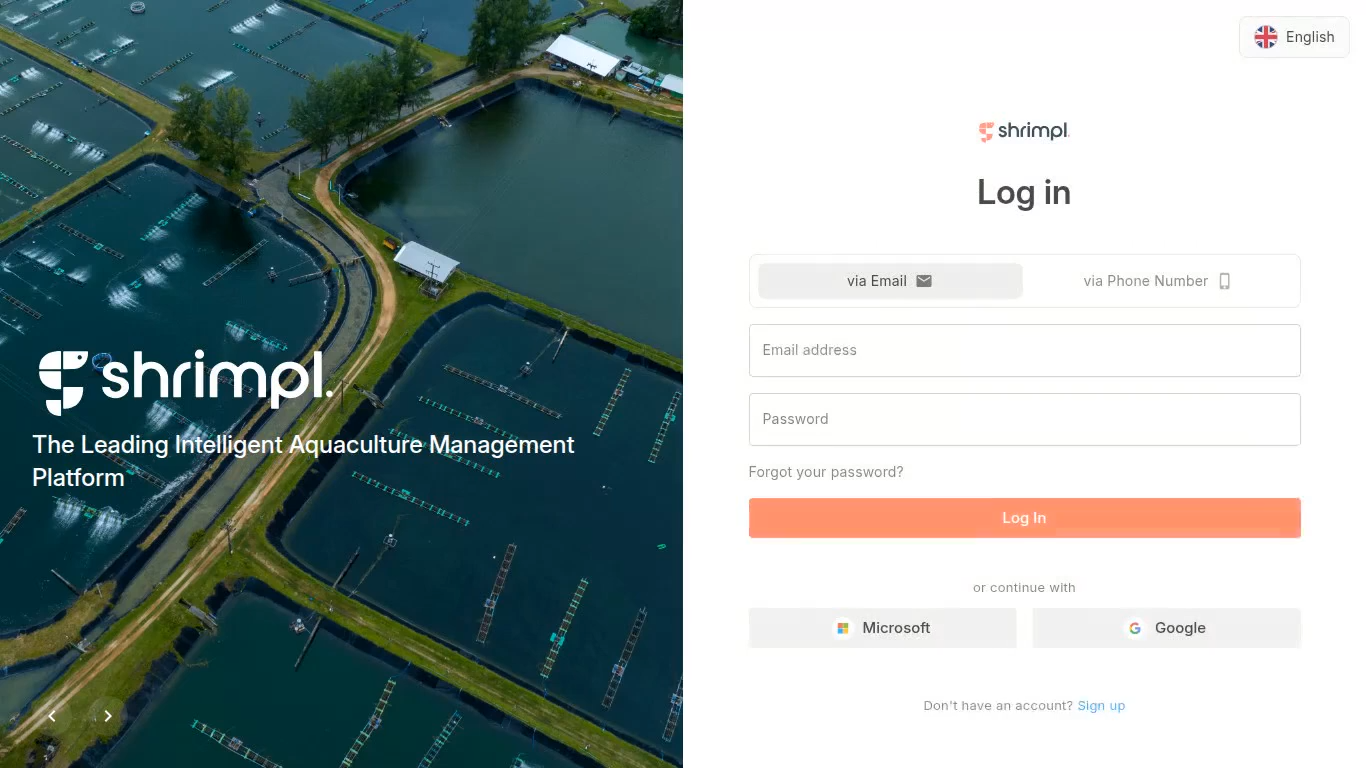
Step 1: Open Shrimpl. You’ll see the login page right away.
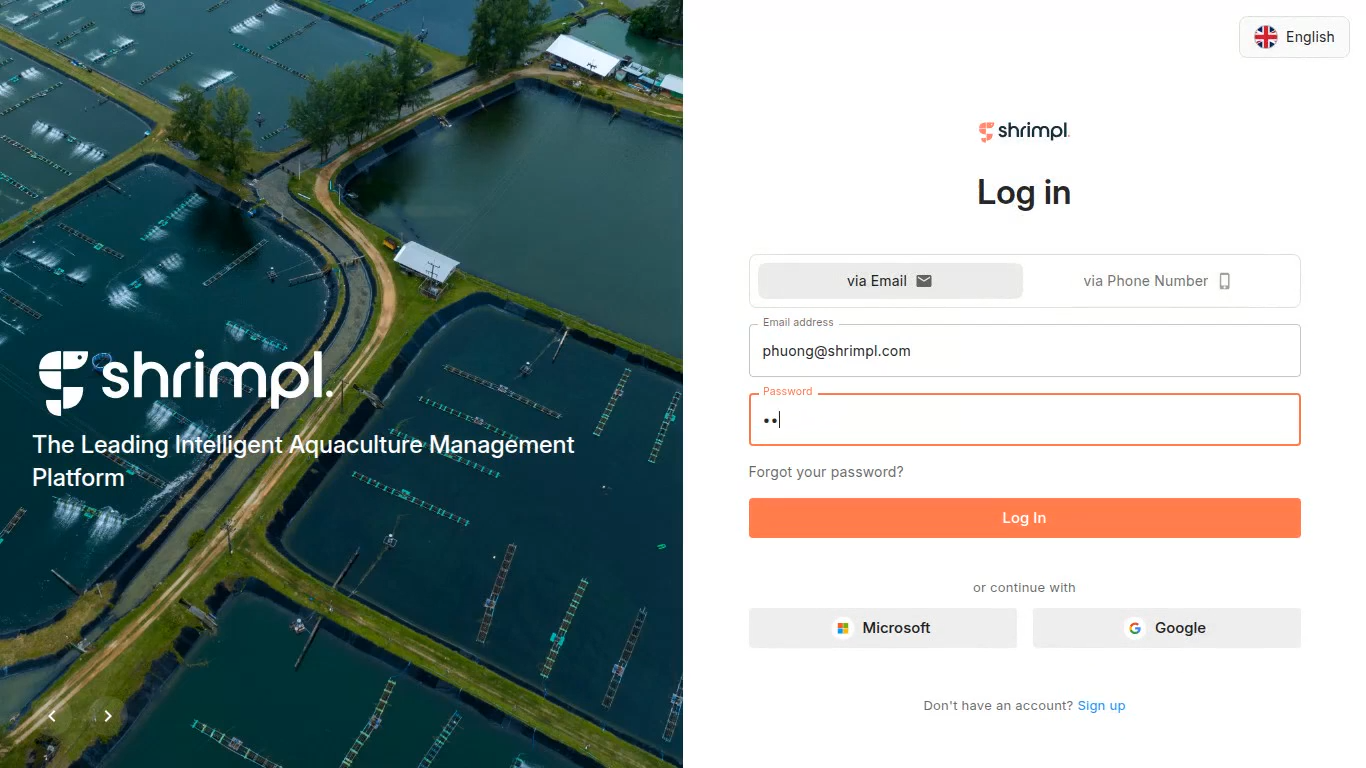
Step 2: Make sure via Email is selected. Enter your email credentials and sign in.
Step 3: Wait for the app to load. You’ll arrive on the welcome screen, ready to start exploring Shrimpl.
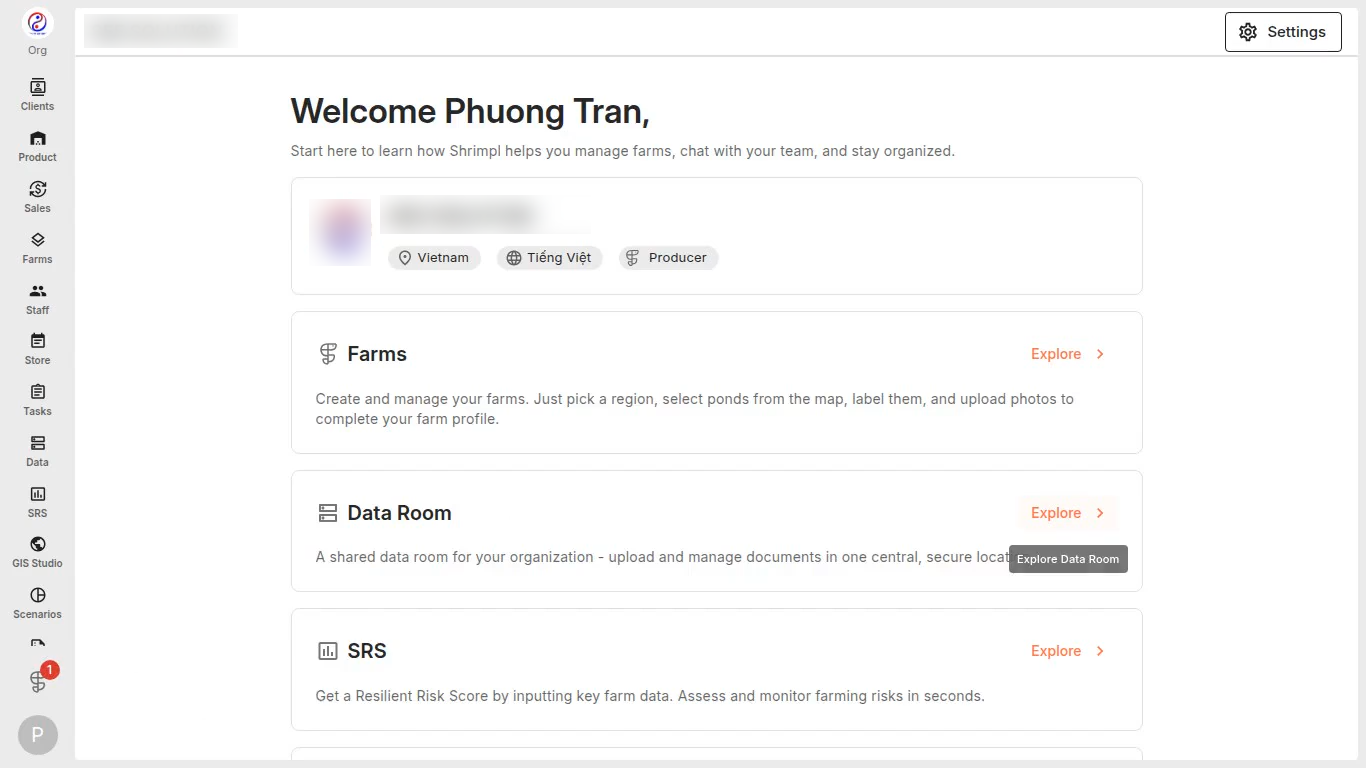
Logging in with your email gets you directly to your Shrimpl workspace – fast and easy every time.