
Create and Track Tasks in the Task Manager
Managing your tasks has never been easier. The Task Manager helps you quickly create new assignments, set clear priorities, and stay on top of your team’s progress—all from one dashboard.
Step 1: Open the Task Manager dashboard to view your current tasks and track their progress.
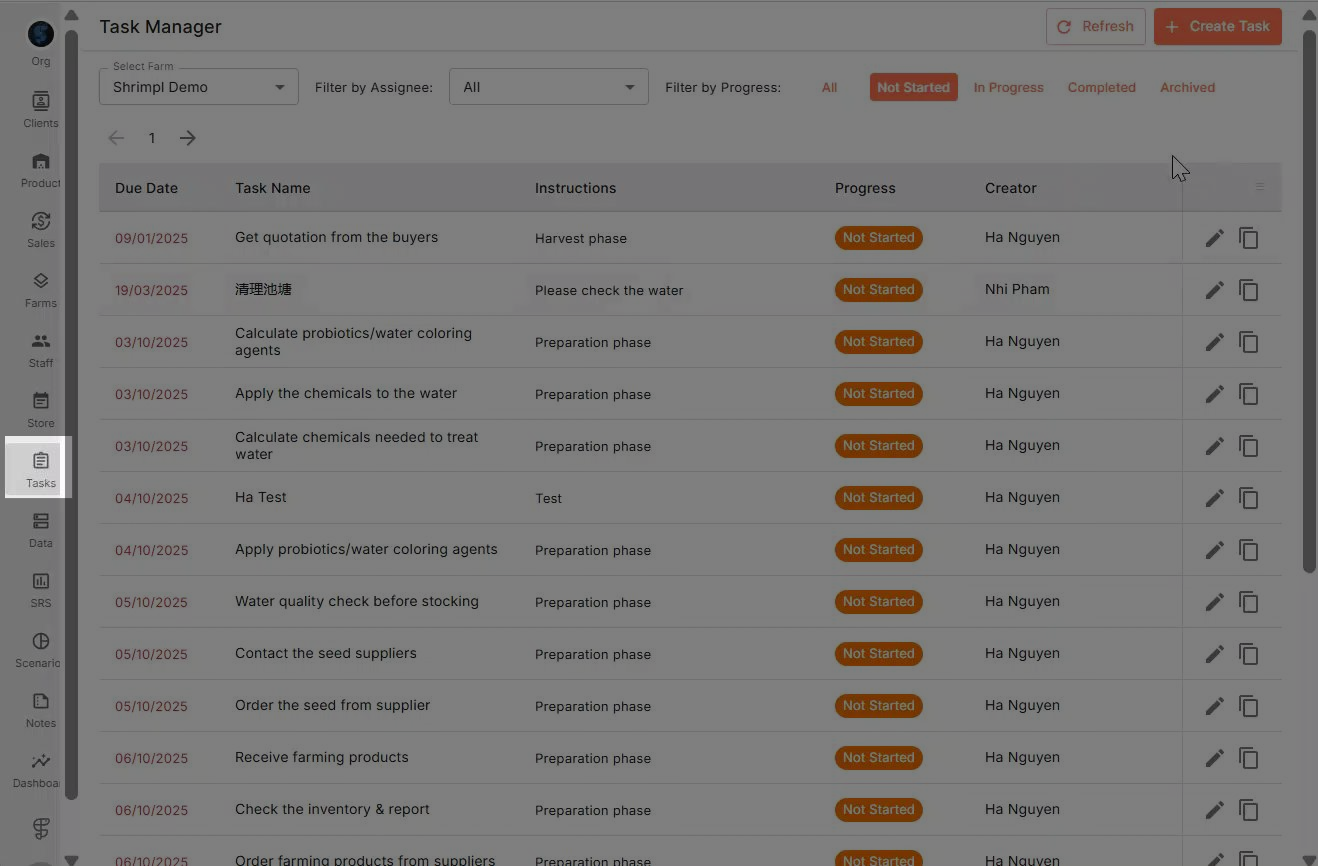
Step 2: Click Create Task to open the task creation panel.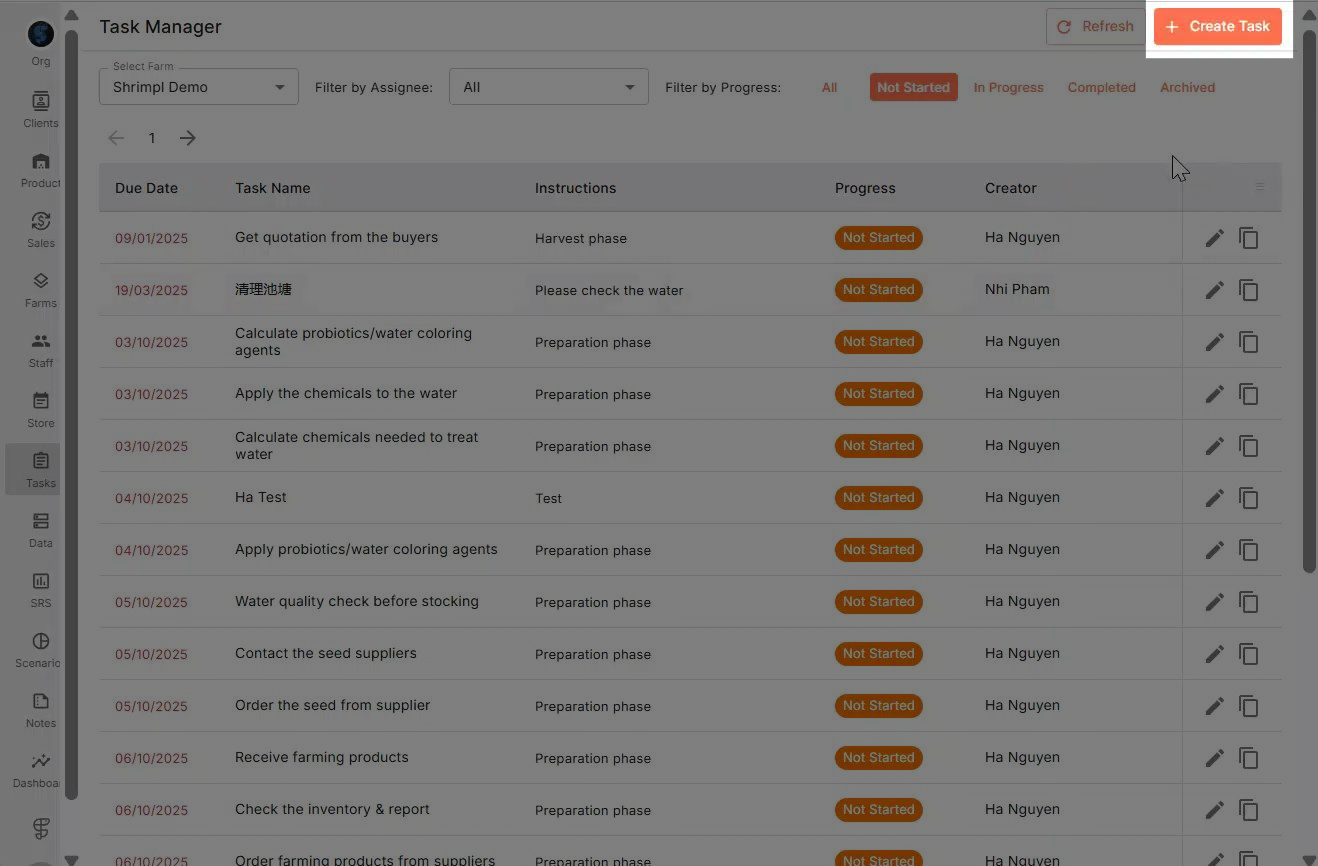
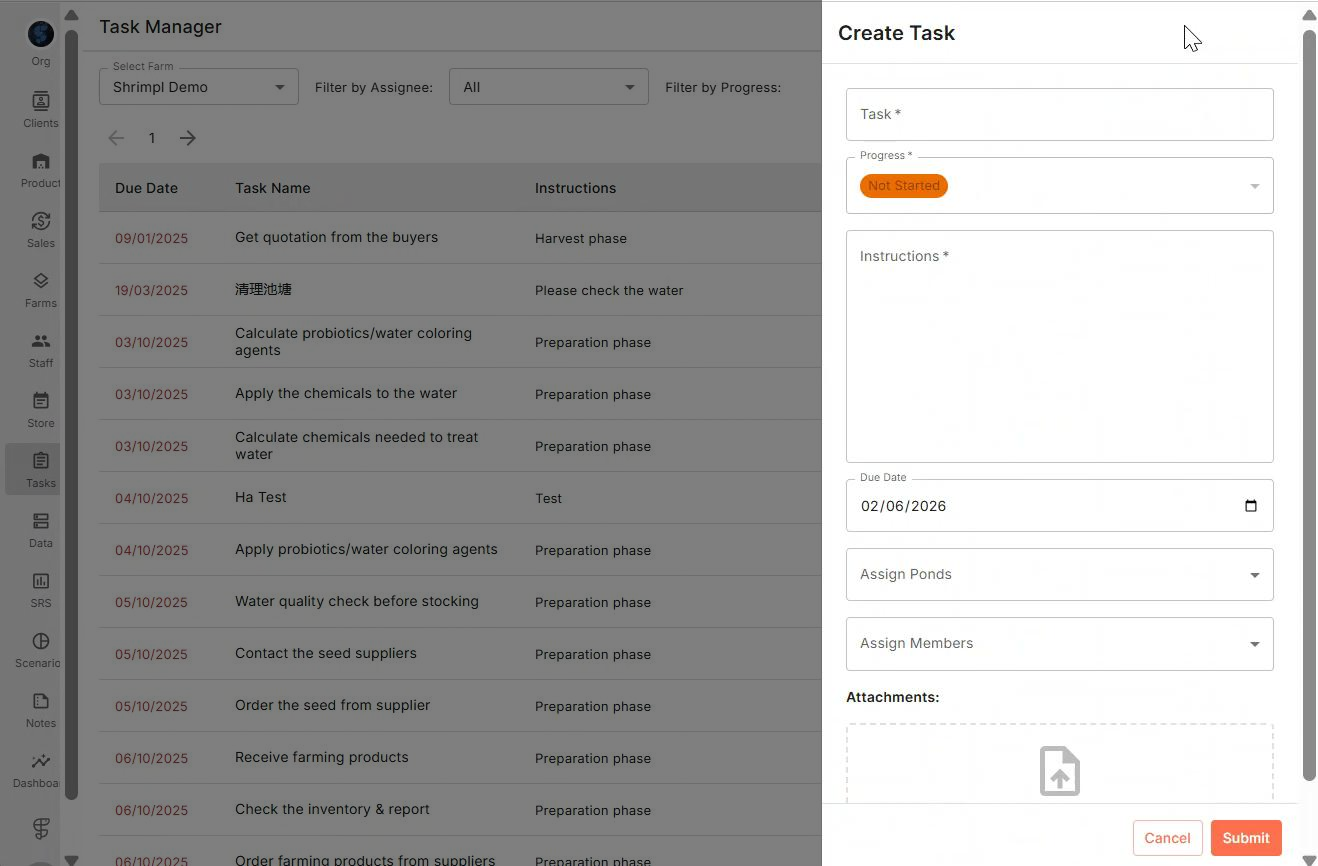
Step 3: Enter the task details.
Add a clear Title, a detailed Description, choose a Due Date, and set the Assigned Ponds and Members. You can also upload the instruction document if available.
Step 4: Click Submit to add the new task to your dashboard.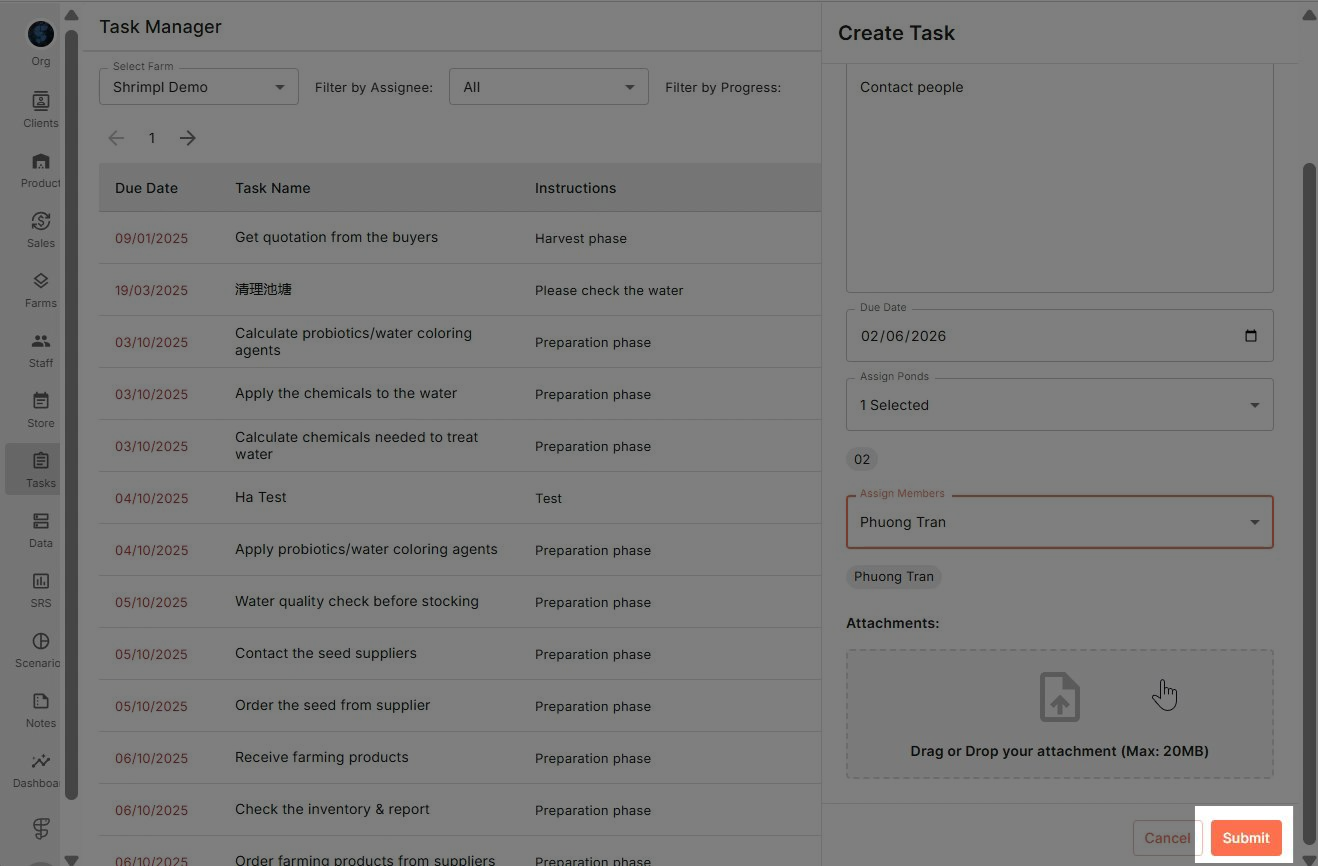
Step 5: Use the filter option to sort tasks by Assignee. Type or select the name to quickly see who’s working on what.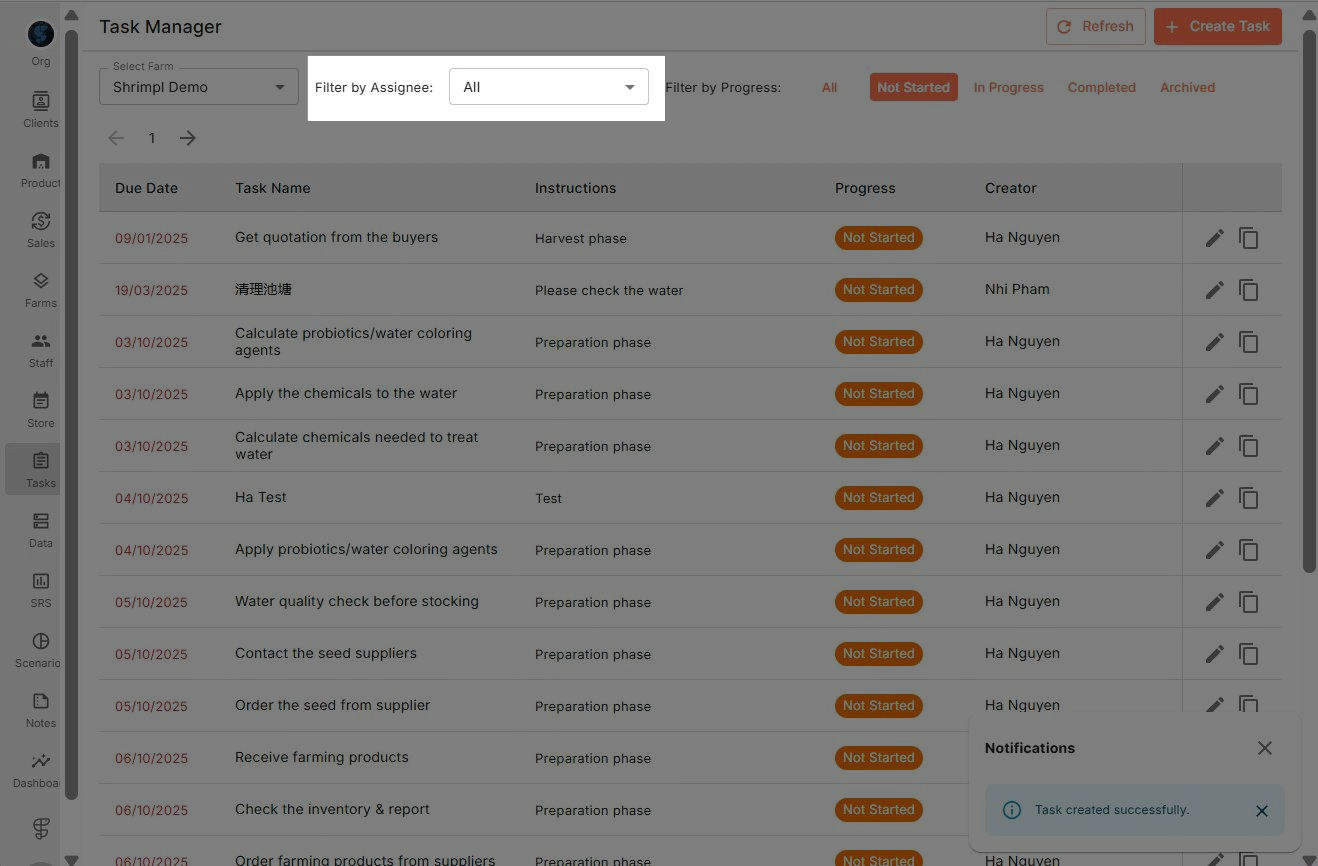
Step 6: Select an assignee to review all the tasks they’ve been given and track progress at-a-glance.
Task Manager makes it simple to create new work items, organize priorities, and keep your team accountable. Use the filter and progress tools often to ensure everyone stays on track and nothing falls through the cracks.