
Upload Data from a Shrimpl Template
Uploading your farm data is fast and reliable when you use the Shrimpl template. Just follow these clear steps from start to finish.
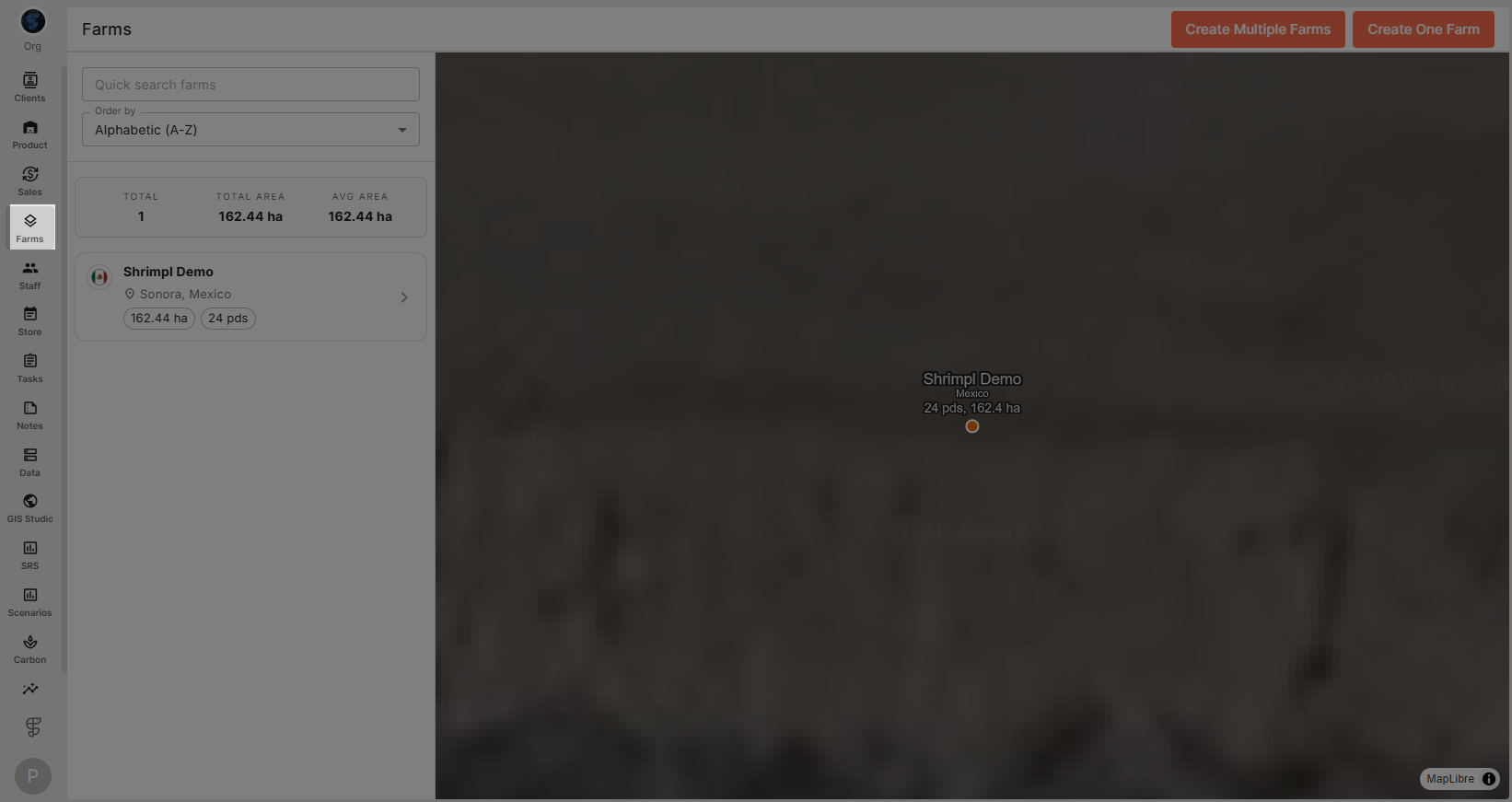
Step 1: From the homepage, click the Farms tab in the sidebar. This shows your list of farms.
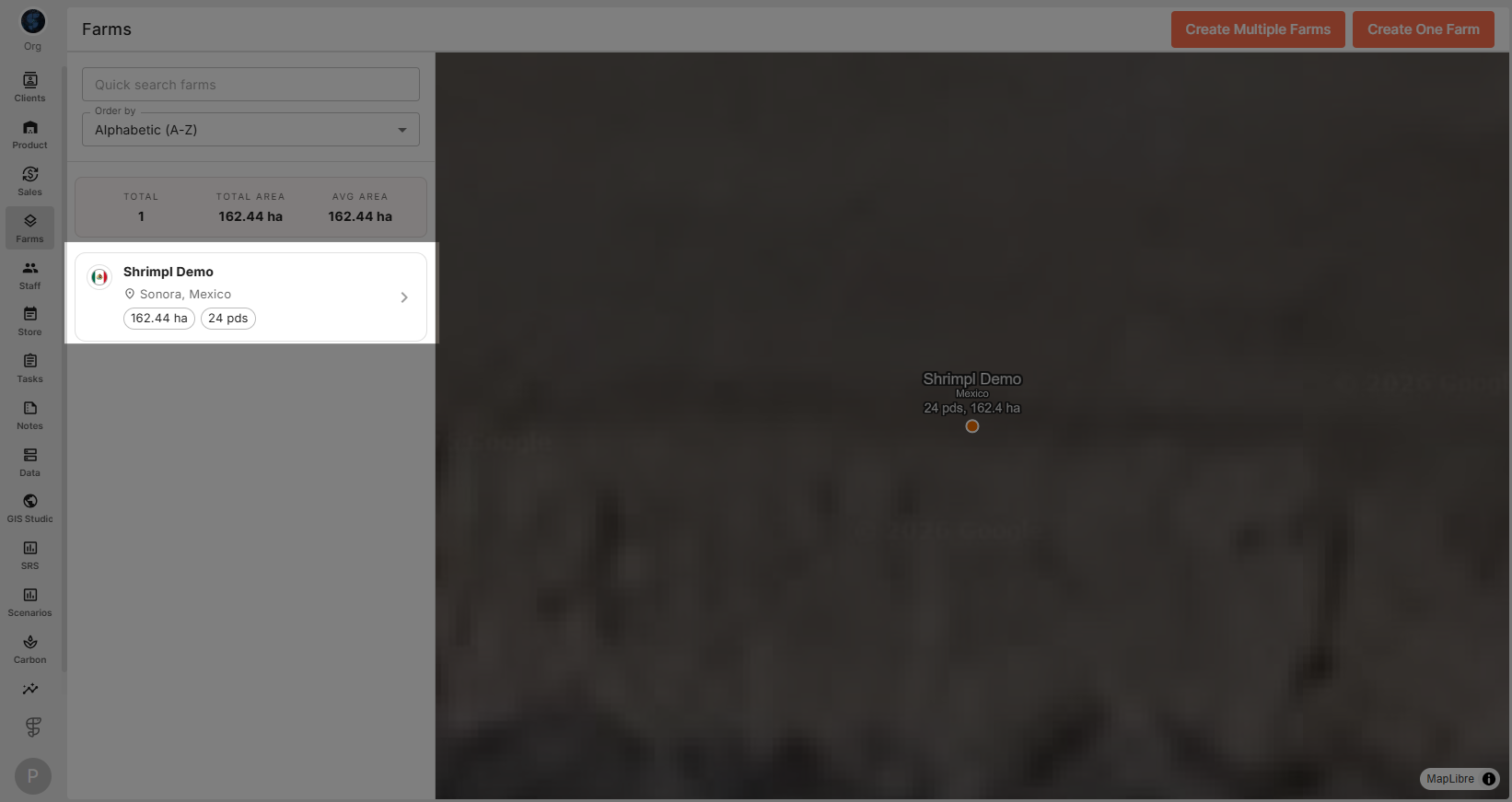
Step 2: Choose the farm where you want to upload data. Click to open its details.
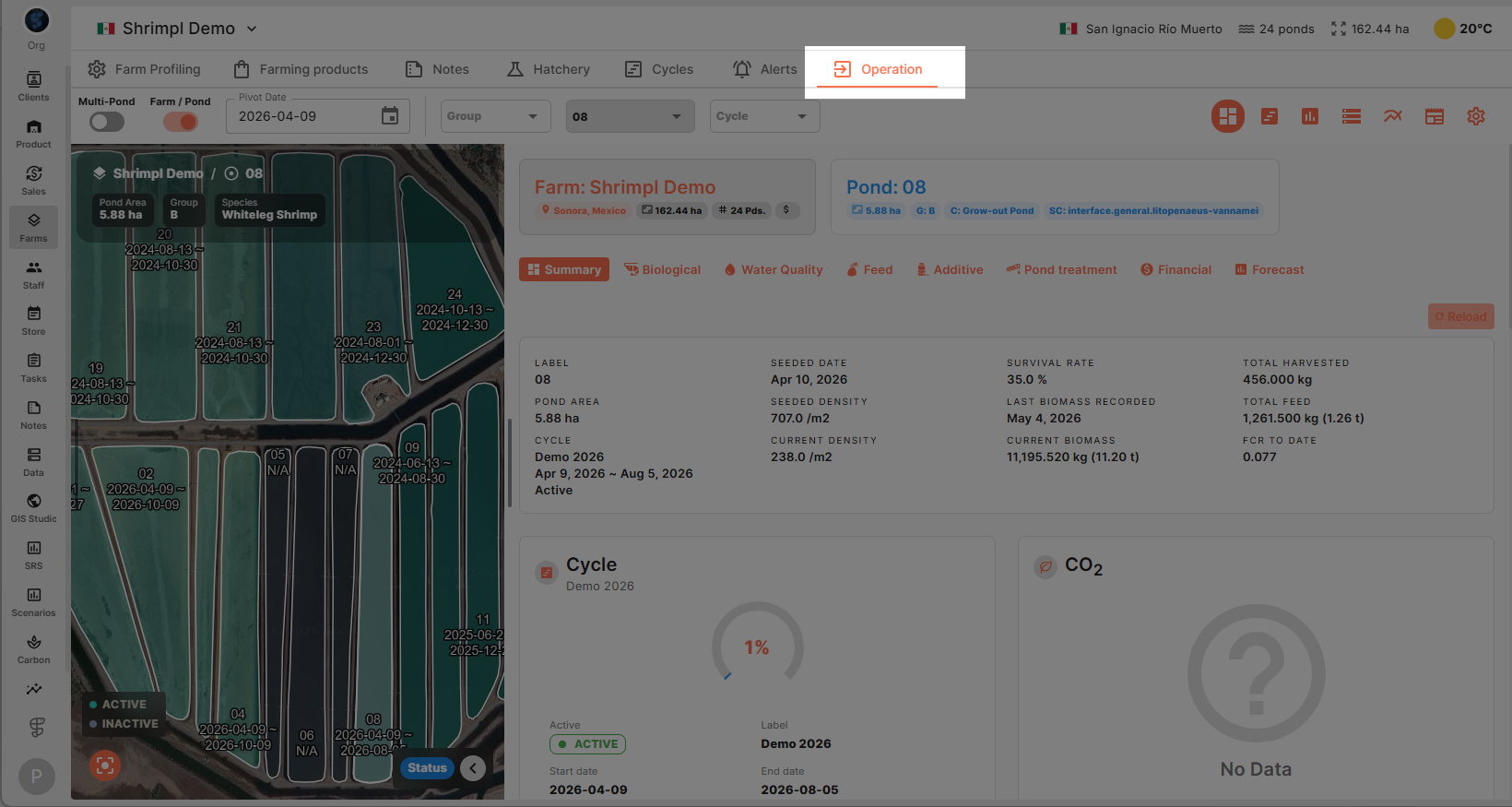
Step 3: Click the Operation tab inside the farm view to see all operational tools.
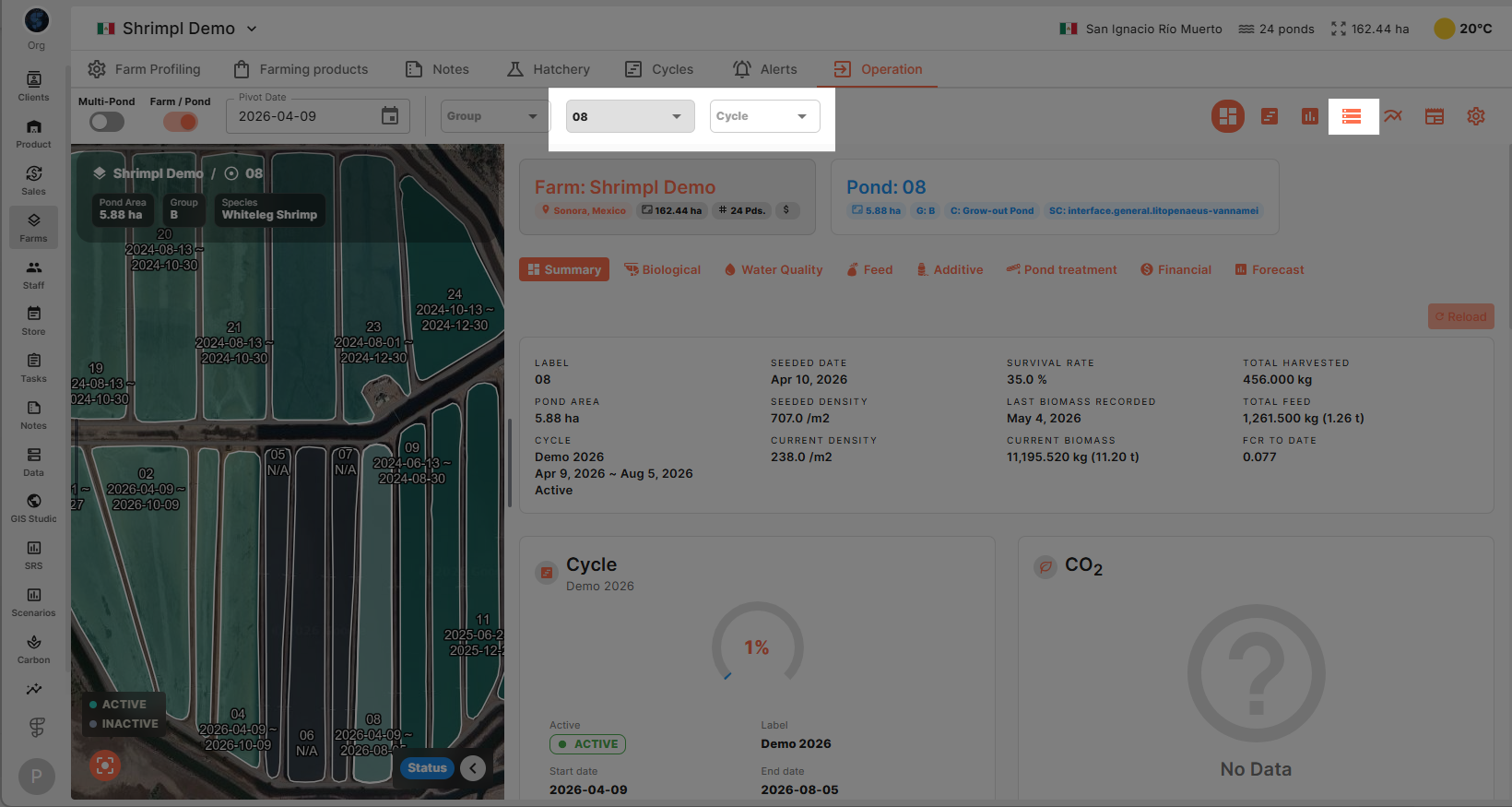
Step 4: Find and select the Data Manager in the top-right toolbar. You’ll then pick the pond and cycle for your data.
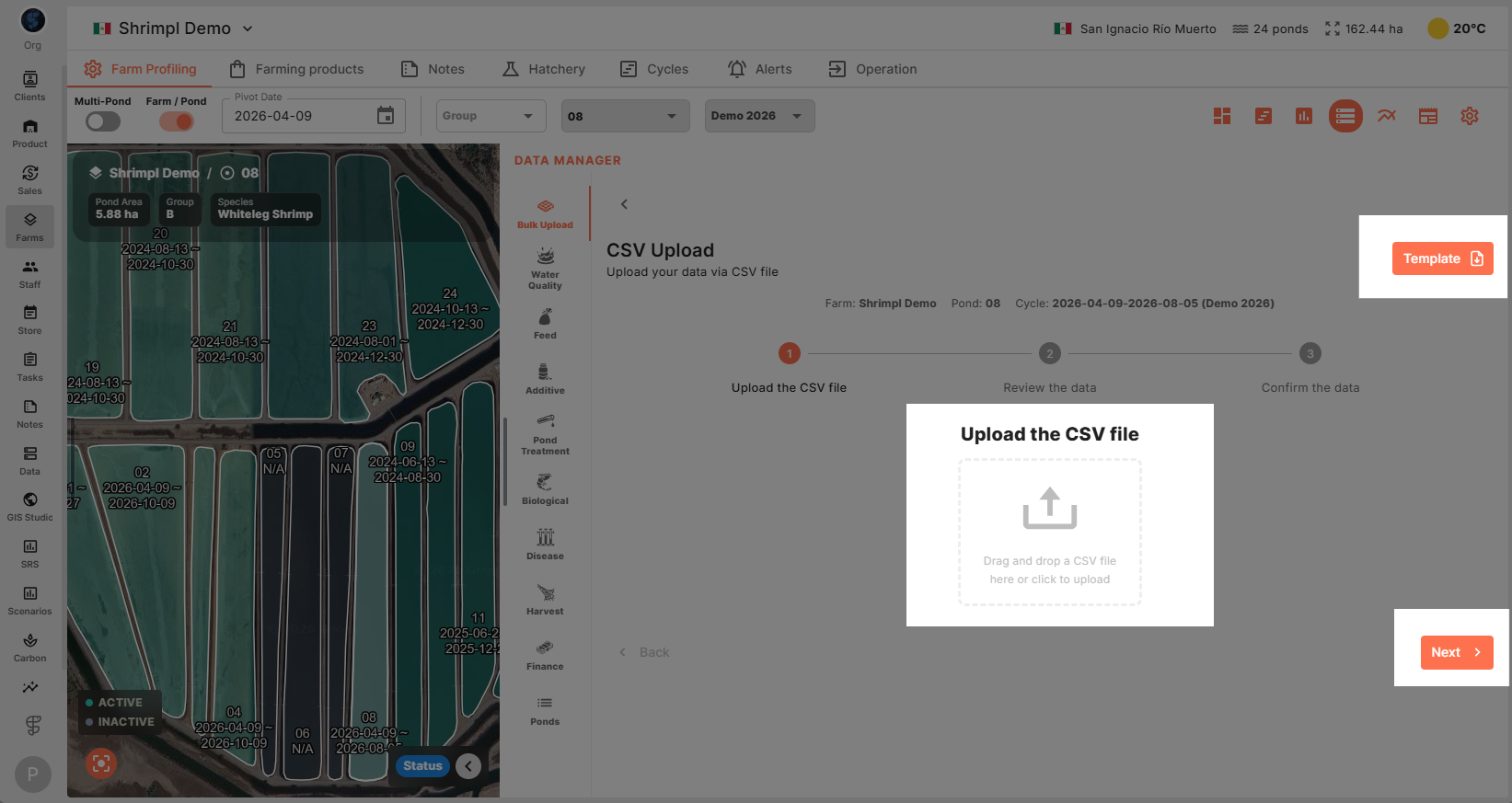
Step 5: Select CSV Upload. Click Template to download the CSV file to your computer. Fill in your data—be sure every required field is complete. When you’re ready, upload the filled template back to the platform and hit Next.
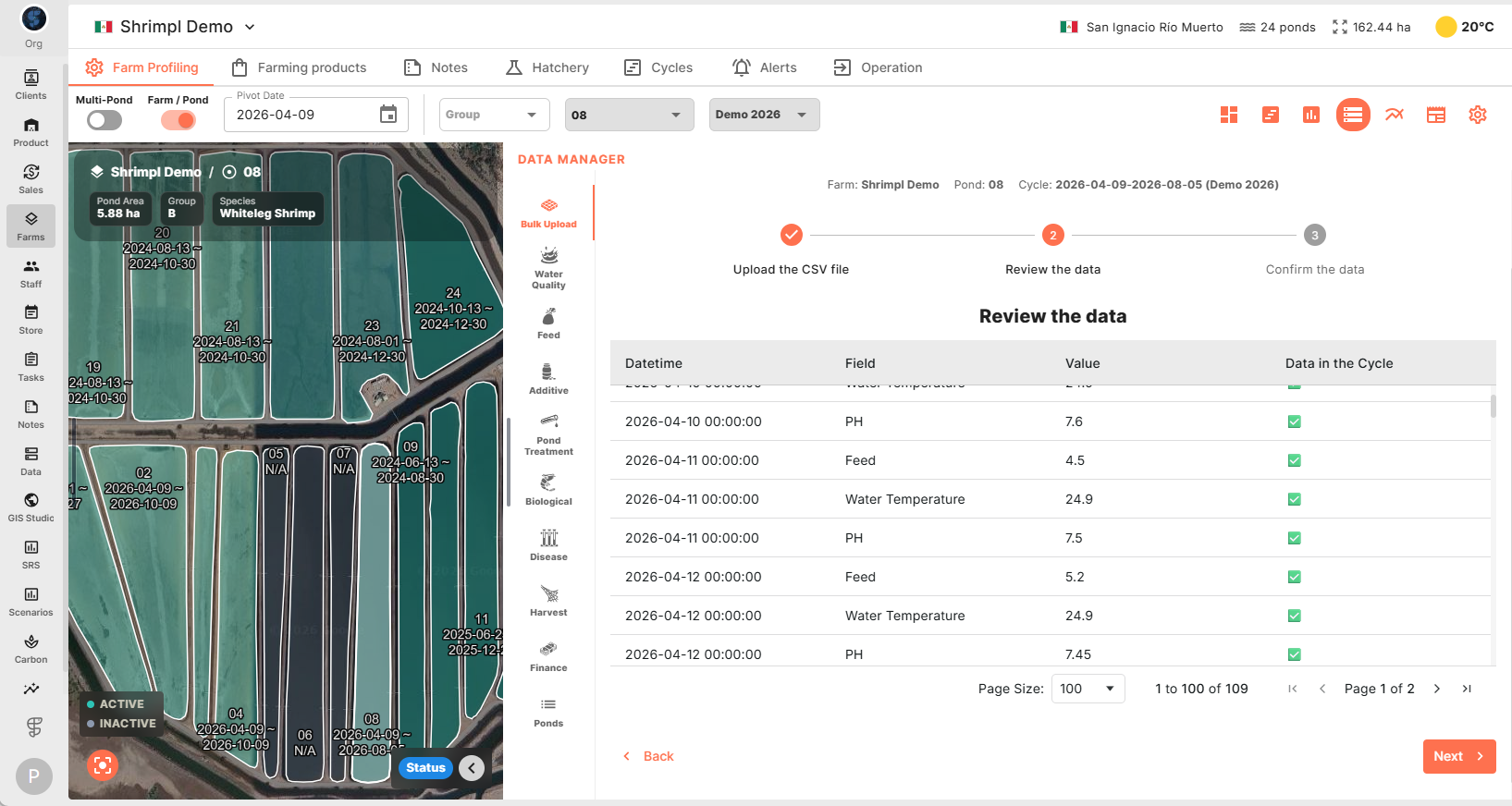
Step 6: The system will read your file and display the imported data. Double-check that the date format follows year, month, day, hour, and minute. Make sure all data points fit within the chosen cycle.
Step 7: If everything looks right, click Next, then Finish to upload.
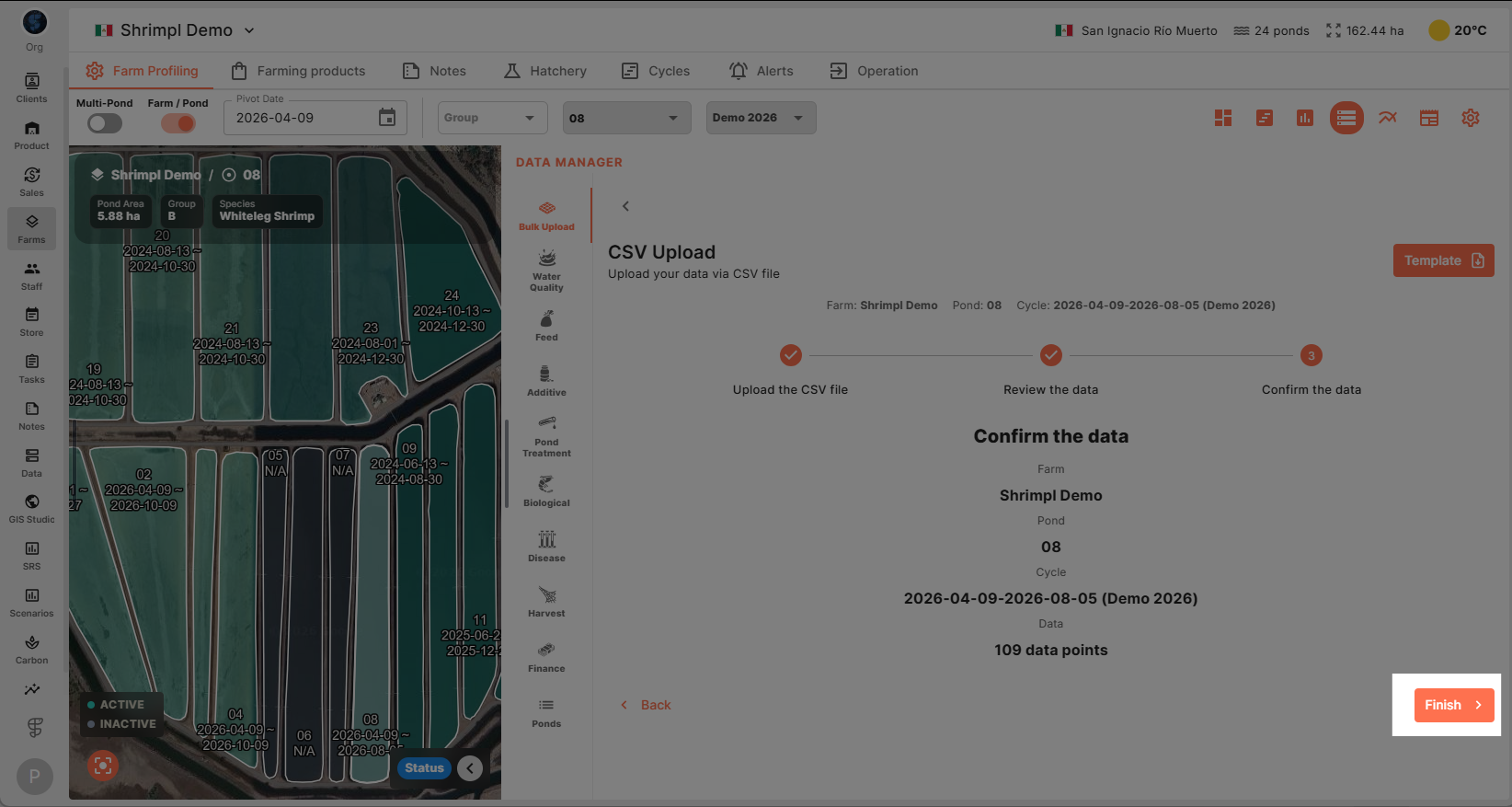
Your data’s now successfully uploaded and ready for use!