
Welcome to Shrimpl Help Center — your guide to navigating and using our platform effectively.
This article will walk you through how to browse, search, and interact with our website.
🧭 Browsing the Website
You can explore the main sections of our site from the top navigation bar:
-
Home — Overview of what Shrimpl offers.
-
Platform — Learn more about our intelligent shrimp farming system.
-
Solutions — Discover features for production management, risk control, and finance.
-
Help Center — Access tutorials, FAQs, and troubleshooting articles.
-
Contact — Reach out for support or inquiries.
💡 Tip: If you can’t find something, use the search bar at the top right corner to quickly locate pages or topics.
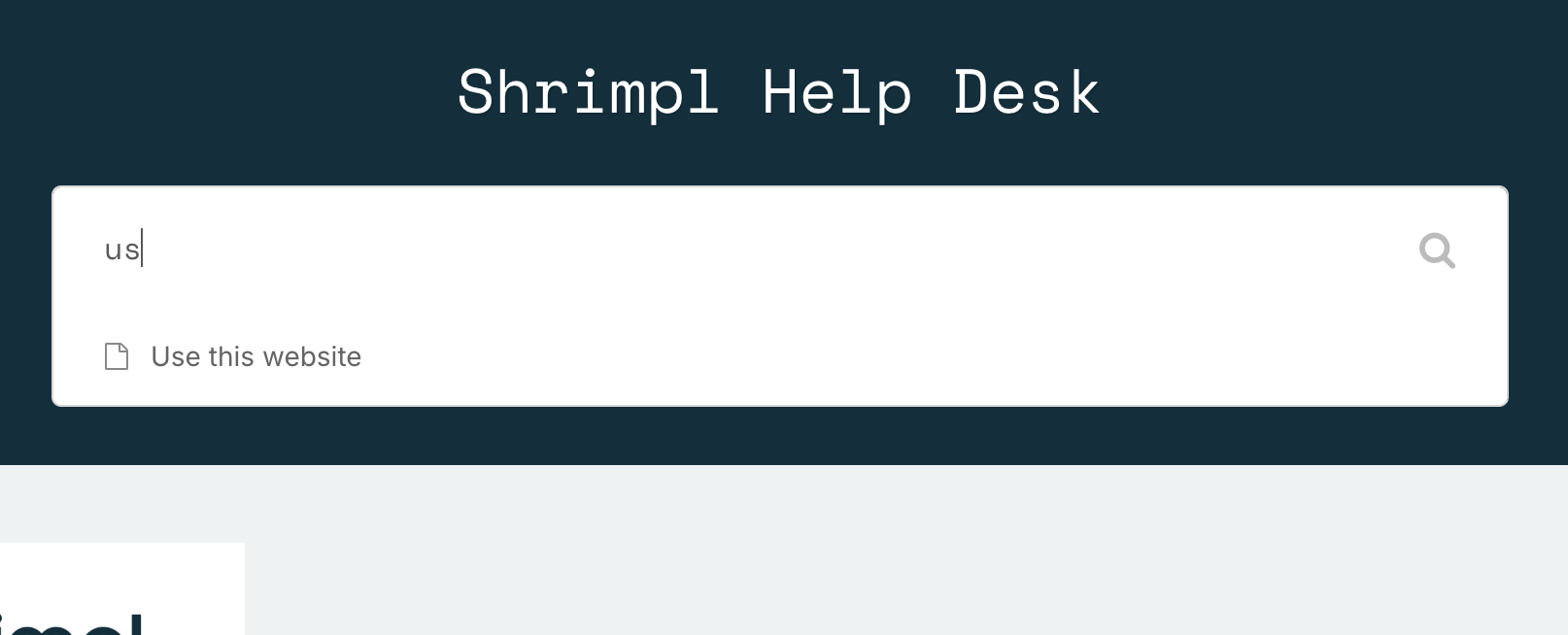
🔍 Searching for Help Articles
In the Help Center, use the search field to find guides by typing keywords such as:
-
“Create farming plan”
-
“Add new pond”
-
“Account settings”
-
“Billing or subscription”
Results will automatically display all relevant articles.
Each article includes step-by-step instructions, screenshots, and common troubleshooting tips.
🌐 Language Support
Our website supports multiple languages.
At the top or bottom of the page, you’ll find a language selector (e.g., English 🇬🇧, Bahasa Indonesia 🇮🇩, Tiếng Việt 🇻🇳, 中文 🇨🇳).
Select your preferred language, and the content will automatically refresh.
📱 Accessing the Site on Mobile
The website is fully responsive — optimized for desktop, tablet, and mobile.
Simply visit helpshrimpl.com on your mobile browser, and all features will work smoothly.
💬 Getting Further Assistance
If you still can’t find the answer:
-
Email us at help@shrimpl.com
We’re always here to help you make the most of Shrimpl.